Most app blockers live on one device. Brick, the best-known physical blocker, says it does not support computers for now. If you want the apps you put away on your iPhone to stay away on your Mac too, six options reach both: Apple’s Screen Time, Norma, Freedom, Opal, one sec and Foqos. They differ on what they block on the Mac, and above all on whether a block you start on the iPhone also applies on the Mac. Details below were read on each maker’s site on 5 November 2026.
Six options, compared
| Screen Time | Norma | Freedom | Opal | one sec | Foqos | |
|---|---|---|---|---|---|---|
| Mac app | Built into macOS | Free app, macOS 13 or later | macOS 11 or later | macOS 13 or later | On the Mac App Store | Free companion, macOS 14 or later |
| Blocks Mac apps | Pause before an app opens | Not documented | ||||
| Blocks websites on the Mac | Content restrictions | Every browser | Yes, or the whole internet | 6 browsers listed | Pause, through extensions | Yes |
| A block started on iPhone applies on the Mac | Yes, with Share Across Devices | Yes, the Mac mirrors it | You pick the devices | Not documented | Profiles sync via iCloud | |
| Price | Free | 90 € once, Mac app free | Free plan; Premium $8.99 a month | Free tier; Pro $99.99 a year | Free for one app; Pro 14.99 € a year | Free |
Prices are the ones each maker shows on 5 November 2026. “Not documented” means the maker does not say. Share Across Devices needs iOS 27 and macOS 27 on all your devices, according to Apple.
What “the block follows you” means
There are two ways a tool can cover both devices. Some keep one set of rules and apply them everywhere: you start a block once, and it reaches the Mac. Others install on each device and keep separate rules, so you set up the Mac on its own and start its blocks there. The second kind still works, but a block you start on your phone at nine leaves the Mac open unless you also start one there. Only Screen Time, Norma and Freedom say a block reaches the Mac from a single place.
Each option in a paragraph
Screen Time is built into iPhone and Mac at no cost. With Share Across Devices on, Apple says any limits or schedules you set apply to your iPhone, iPad and Mac; this needs iOS 27, iPadOS 27 and macOS 27 or later on all your Apple devices. On the Mac, a Screen Time passcode is needed to change settings or allow more time when a limit expires. The limits are yours to lift as long as you know the passcode.
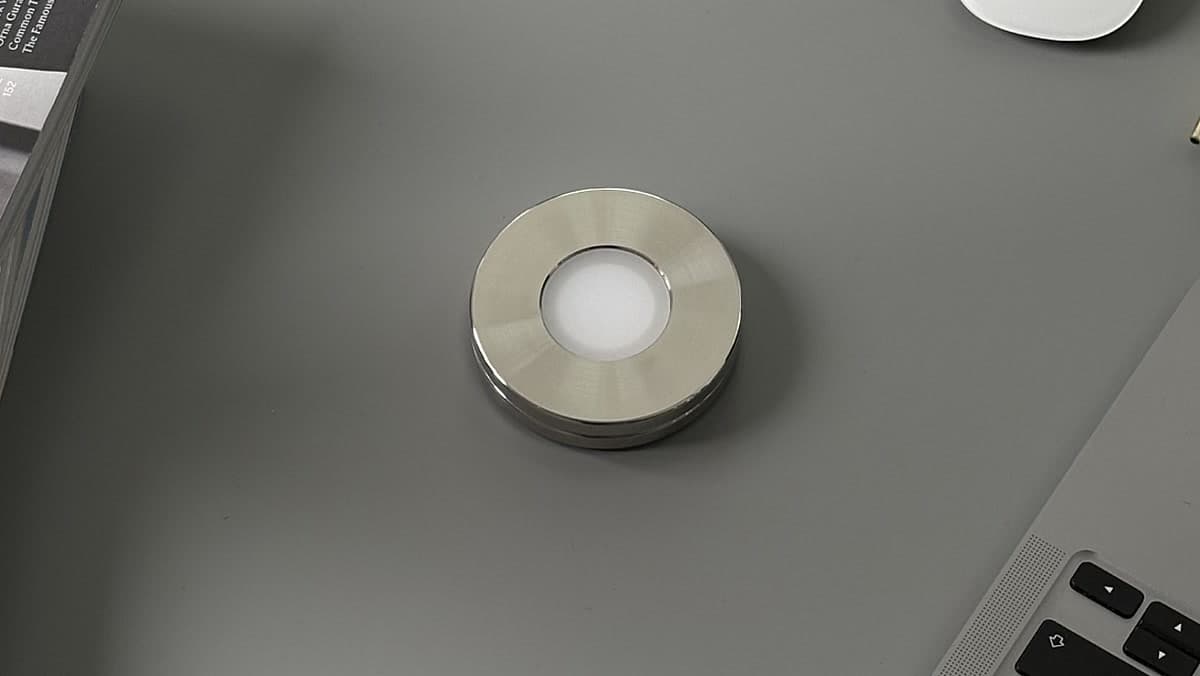
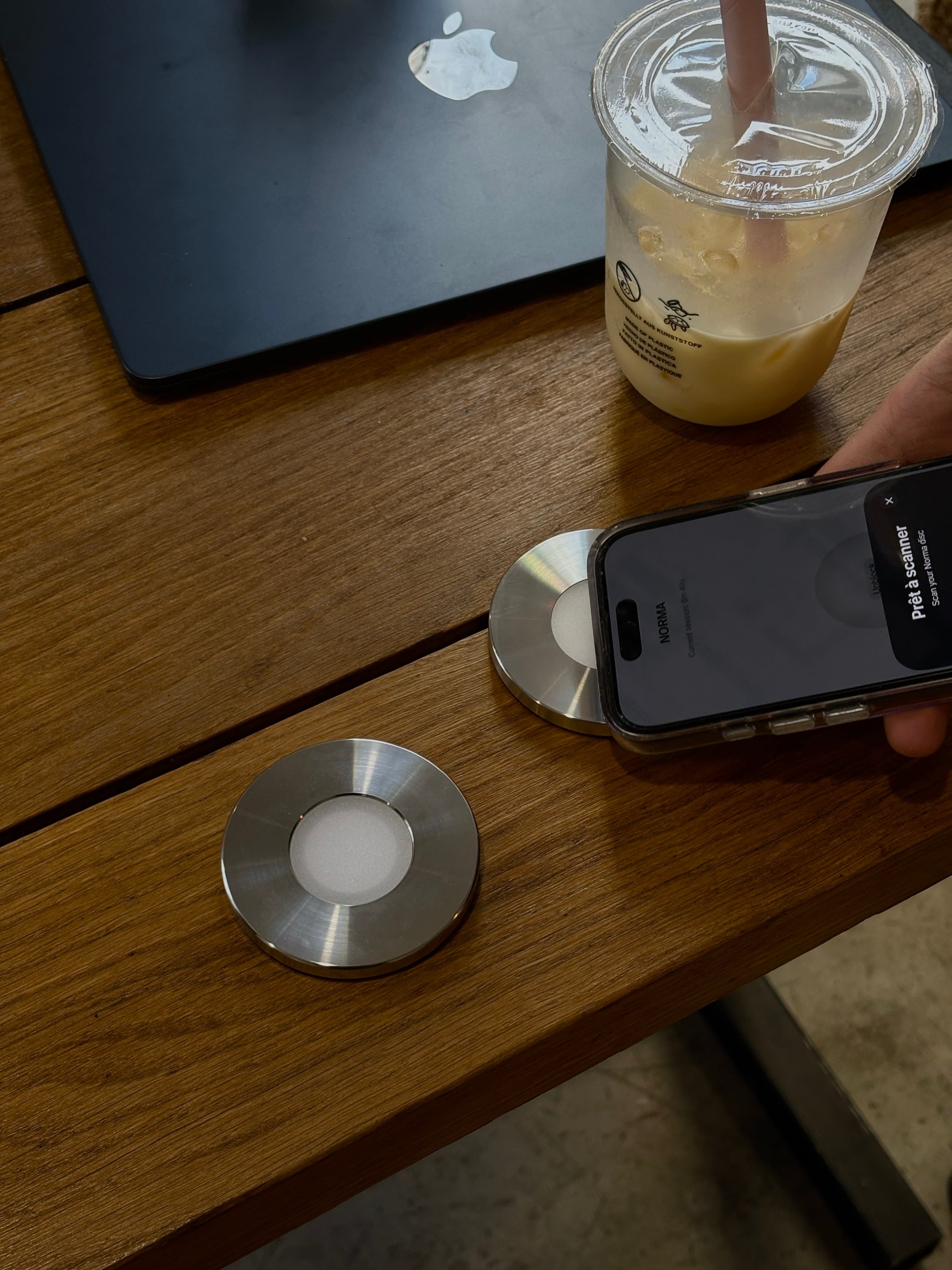
Norma is a stainless-steel disc you scan with your iPhone, sold once for 90 € with no subscription. The free Mac app, for macOS 13 or later, mirrors the session you start with a scan: the sites you chose are blocked at the network level in every browser, and the Mac apps you chose are closed while the session runs. You start and end sessions with the iPhone, so the Mac follows without a step of its own. Norma is iPhone only, with no Windows or Android app.
Freedom runs on Mac, Windows, iPhone, Android and Chromebook. On the Mac it blocks apps, websites or the whole internet. Freedom says your schedules and blocklists sync across your devices, and you decide which devices each session includes. It has a free plan for sessions of up to two hours; Premium costs $8.99 a month, or $3.33 a month billed yearly, and adds schedules and Locked Mode.
Opal has a Mac app for macOS 13 or later that blocks apps and websites in Chrome, Safari, Opera, Edge, Brave and Arc. Opal’s help center says sessions do not sync or transfer between your devices, so the Mac keeps its own sessions. The free tier allows one scheduled session or one limit on the Mac; Pro, $99.99 a year, removes the cap and adds a mode where a session cannot be ended early.
one sec puts a pause in front of an app instead of blocking it. Its Mac app, on the Mac App Store, brings that pause to desktop apps and includes a Safari extension; extensions for Chrome, Firefox and Edge cover other browsers. One purchase covers all your devices. one sec does not say whether its settings sync between iPhone and Mac.
Foqos is a free, open-source iPhone app that starts blocks with your own NFC tag or a QR code. Its free Mac companion, for macOS 14 or later, brings your blocked websites to the Mac, with profiles synced through iCloud. Foqos does not mention Mac apps, or whether a session started on the iPhone blocks the Mac.
Brick and Bloom on the Mac
Brick says it does not currently support iPads or computers, so a Brick session stays on the phone. Bloom, which sells a stainless-steel card, says a Mac version is in development. If you use either one, a separate Mac tool is needed for now. Our Brick vs Freedom comparison covers one such pairing, and the Brick alternatives page lists which options reach a computer.
Which one fits
- You want one action to cover both devices. Screen Time with Share Across Devices, Freedom, or Norma.
- You also use Windows or a Chromebook. Freedom.
- You want to spend nothing. Screen Time, Foqos for websites, or the free tiers of Freedom and Opal.
- You want detailed stats and scheduled sessions on each device. Opal.
- You want a pause, not a wall. one sec.
- You keep lifting your own blocks. A physical object helps, because the session ends only when you scan it. Norma reaches the Mac; Brick and Bloom do not yet. Our physical app blocker comparison covers every device.
A lényeg
- Six options reach both iPhone and Mac: Screen Time, Norma, Freedom, Opal, one sec and Foqos. Brick does not support computers for now.
- Screen Time, Norma and Freedom can apply a block to the Mac from a single place. Opal sessions do not sync between devices.
- On the Mac, Screen Time, Norma, Freedom and Opal block apps; Norma, Freedom, Opal and Foqos block websites.
- Screen Time and Foqos are free; Freedom and Opal have free tiers; Norma is bought once for 90 €.
- Share Across Devices needs iOS 27 and macOS 27 on every device.
Gyakori kérdések.
- Does Brick work on a Mac?
- No. Brick says it does not currently support iPads or computers. Norma, a physical blocker with a free Mac app, and Freedom, a software blocker, both reach the Mac.
- Can Screen Time block apps on both iPhone and Mac?
- Yes. With Share Across Devices on, Apple says the limits and schedules you set apply to your iPhone, iPad and Mac. It needs iOS 27, iPadOS 27 and macOS 27 or later on all your devices, and a Screen Time passcode stops limits being extended without it.
- Do Opal sessions sync between iPhone and Mac?
- No. Opal’s help center says sessions do not sync or transfer between your devices, even when you are signed in. You set up sessions on the Mac separately.
- Is there a free app blocker for iPhone and Mac?
- Screen Time is built in at no cost. Foqos is free and blocks websites on the Mac through its companion app. Freedom and Opal have free tiers with limits.
- Which blocker covers every browser on the Mac?
- Norma blocks at the network level, so every browser is covered. Freedom blocks websites on the Mac, or the whole internet. Opal lists Chrome, Safari, Opera, Edge, Brave and Arc. one sec covers Safari through its Mac app, and other browsers through extensions.
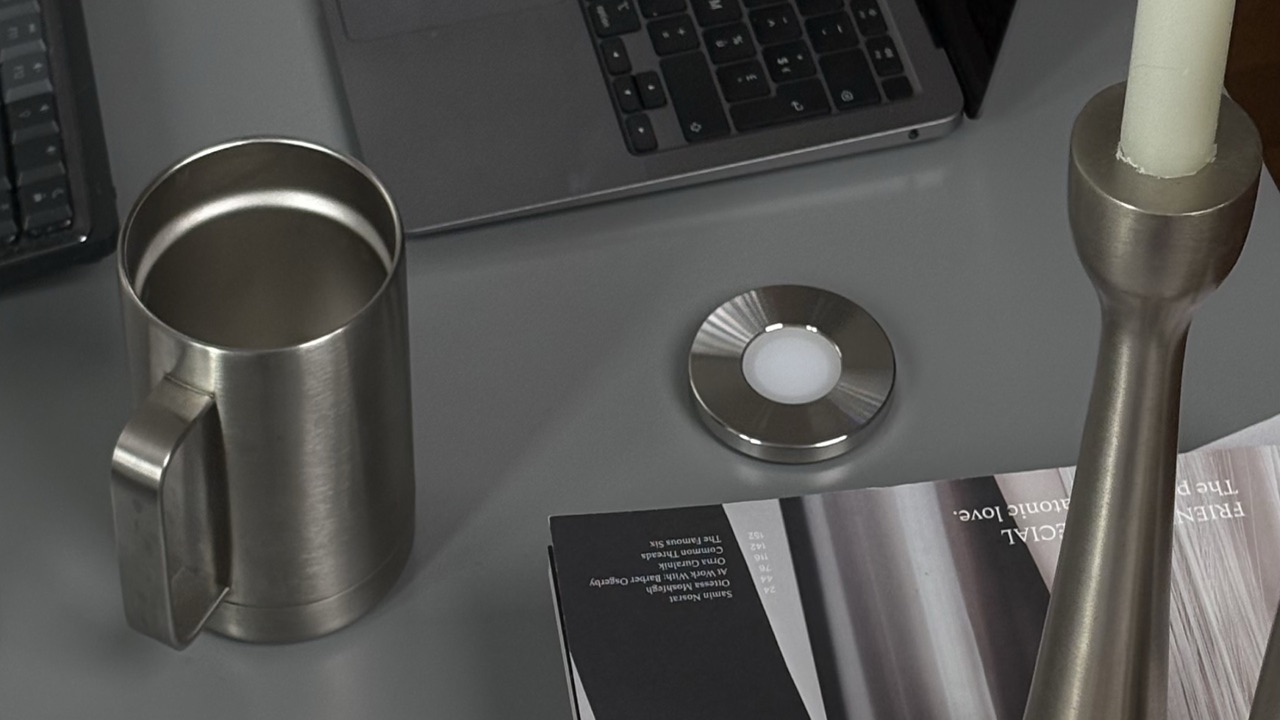
Block your apps with a steel disc.
A stainless-steel disc you scan with your iPhone. The apps you chose go quiet, on your phone and your Mac, until you scan again. Bought once, no subscription.
Források
- 1.Apple · Set up Screen Time for yourself on iPhone, iOS 27 (Share Across Devices, requirements)
- 2.Apple · Set up Screen Time for yourself on Mac, macOS 27 (passcode, content restrictions, Share Across Devices)
- 3.Norma · Mac app (network-level blocking, mirrors the iPhone session, macOS 13 or later)
- 4.Freedom · features (sync across devices, desktop apps on Mac), checked 5 November 2026
- 5.Freedom · plans (free plan, Premium prices, platforms)
- 6.Opal · how to use the Mac app (sessions do not sync, browsers, free and Pro)
- 7.Opal · pricing (free tier, Pro)
- 8.one sec · platforms (Mac app, Safari extension)
- 9.one sec · FAQ (free version, prices, all devices)
- 10.Foqos · Mac companion (websites, iCloud sync, macOS 14 or later)
- 11.Brick · help center (no iPad or computer support for now)
- 12.Bloom · FAQ (Mac version in development)