Cut your screen time.
In one scan.
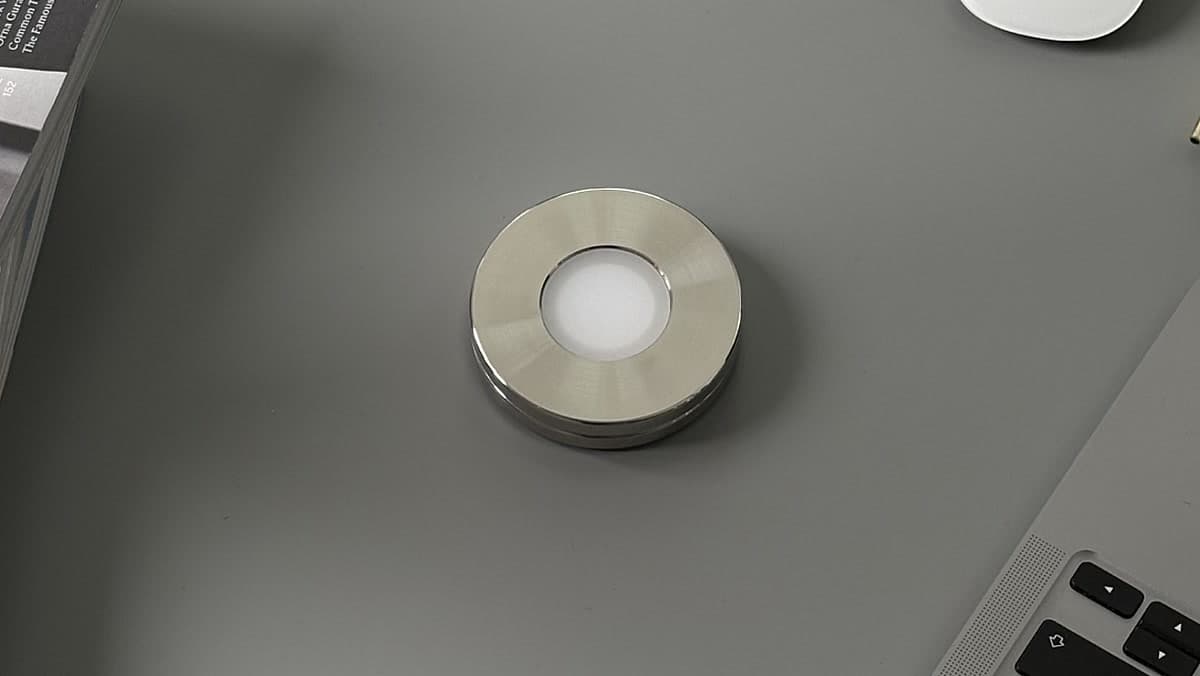
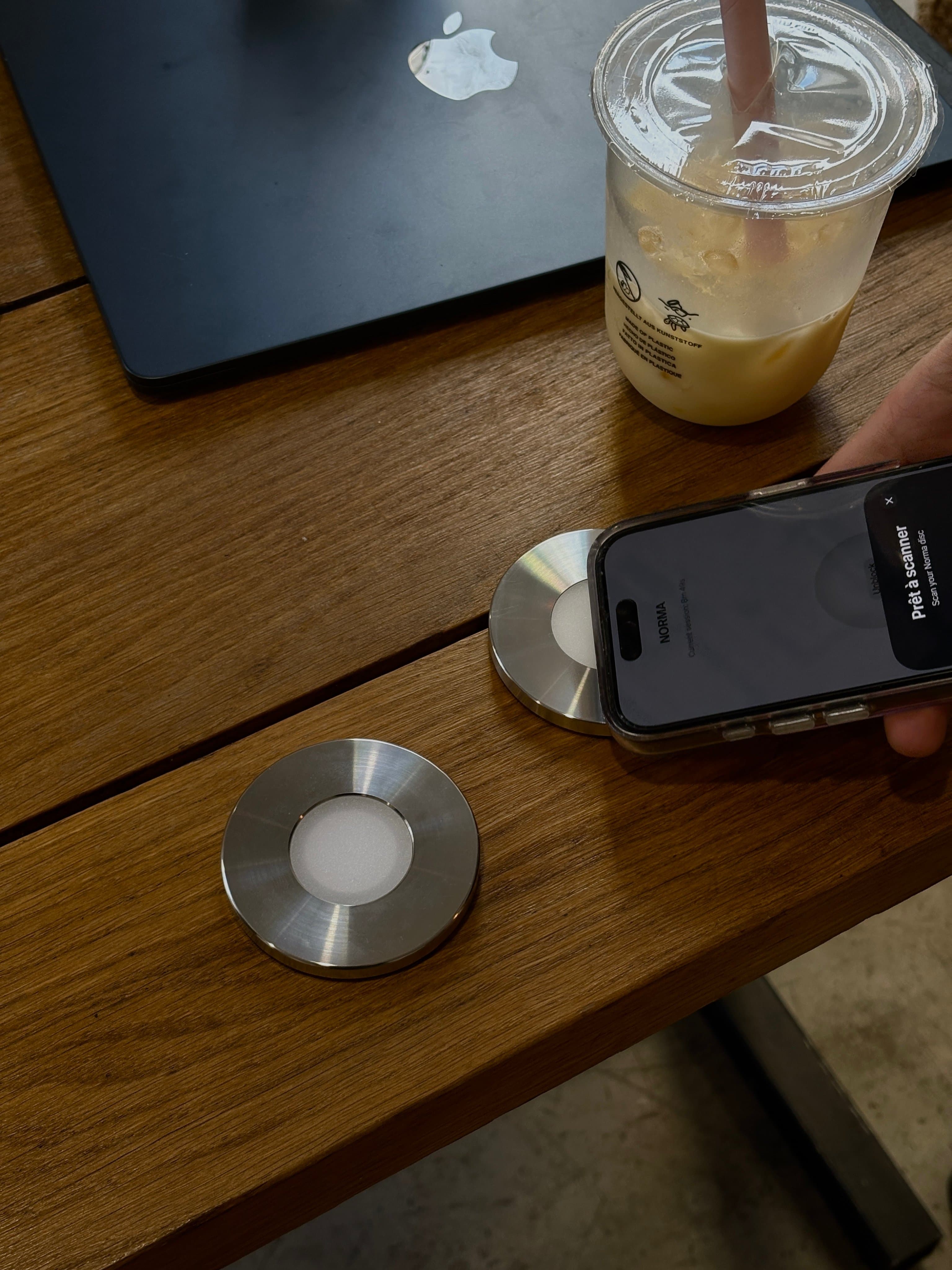
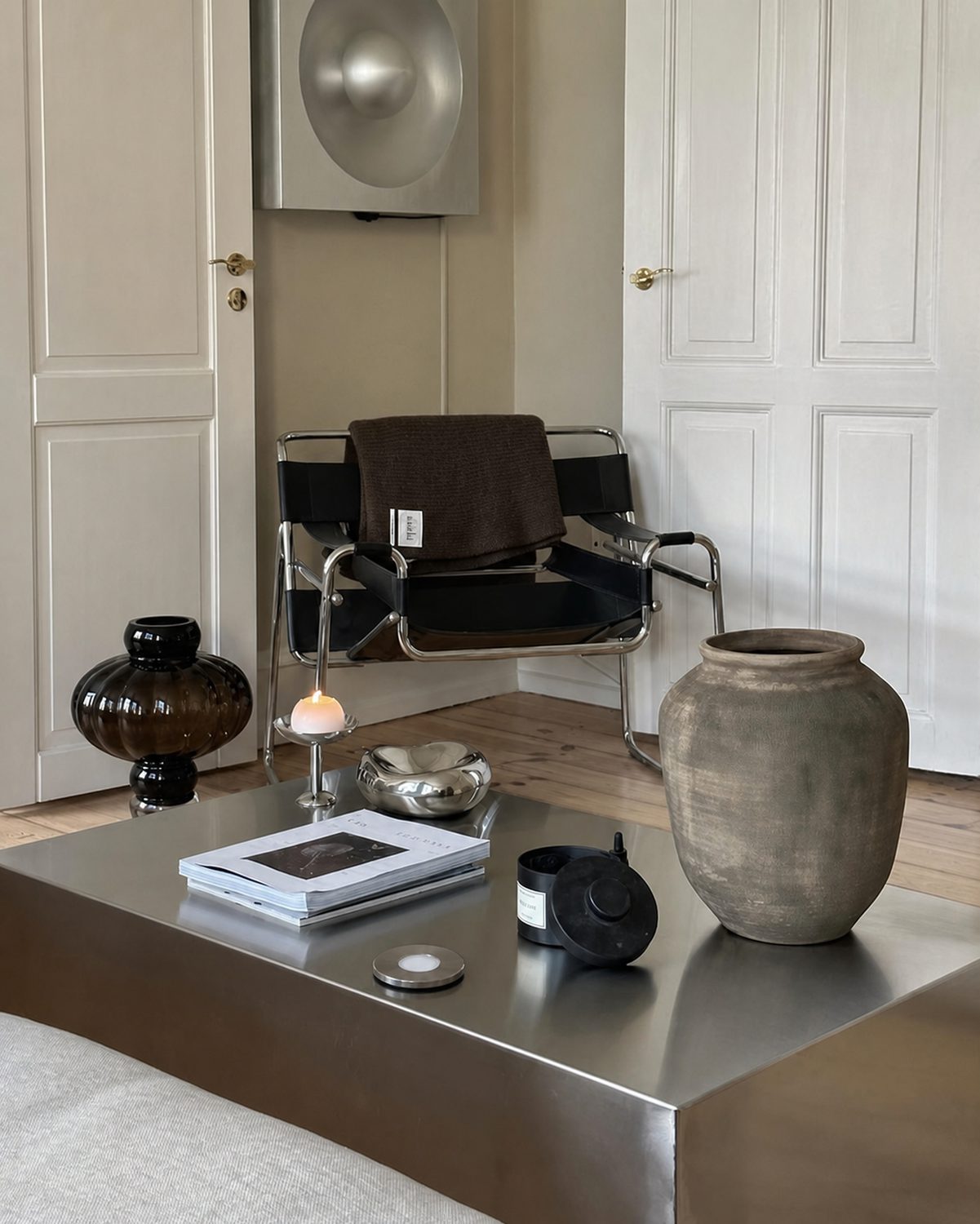
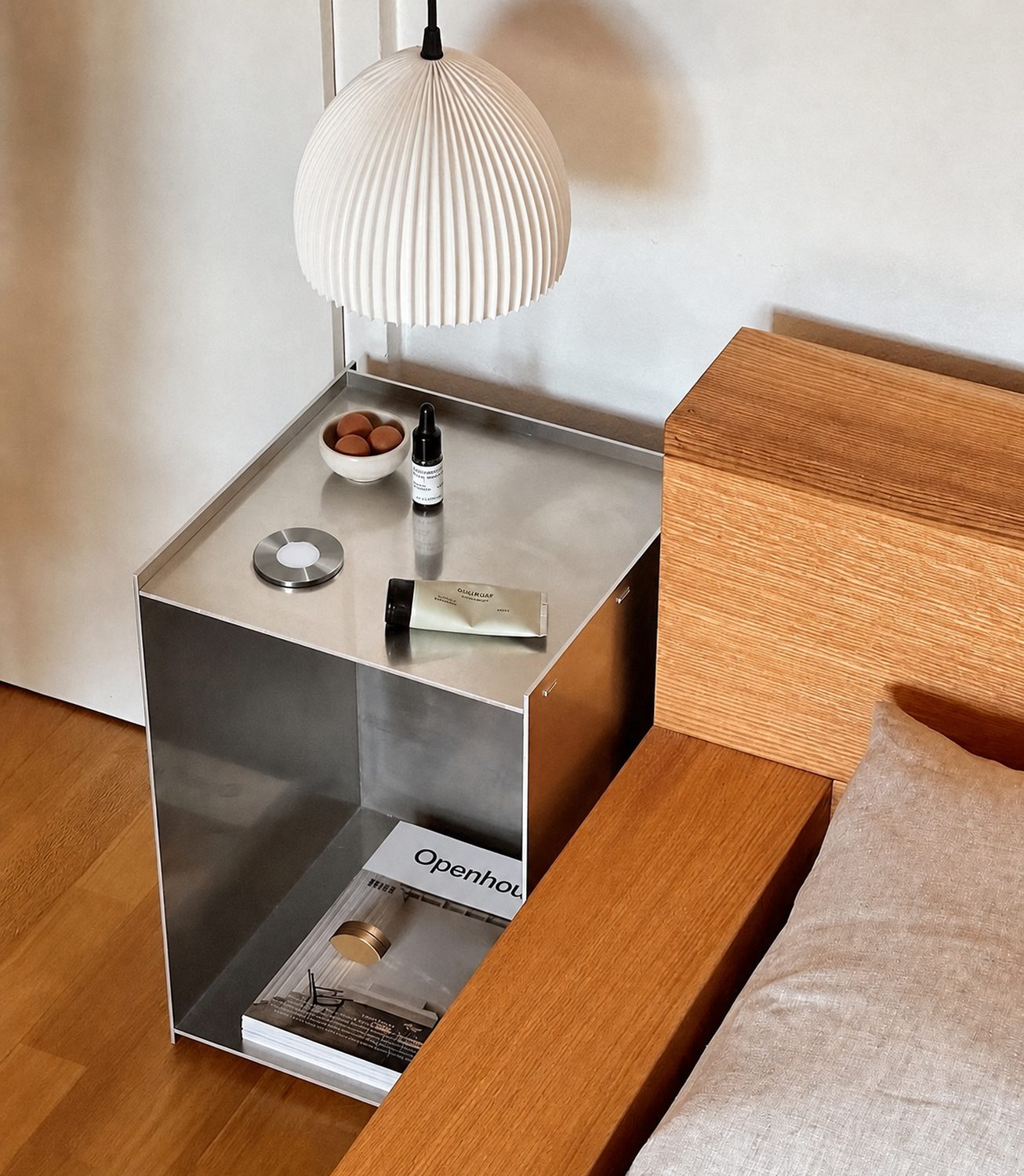
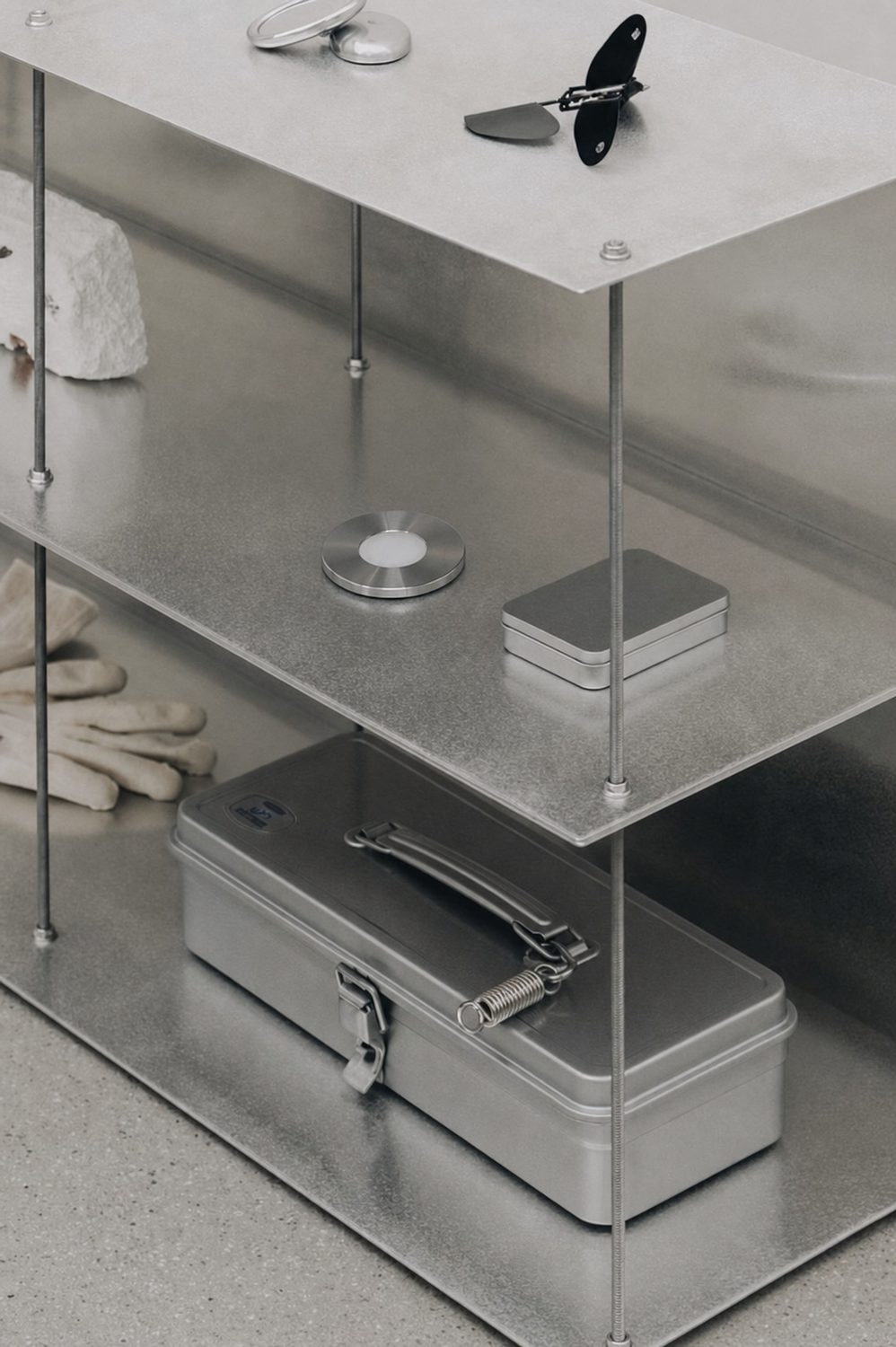
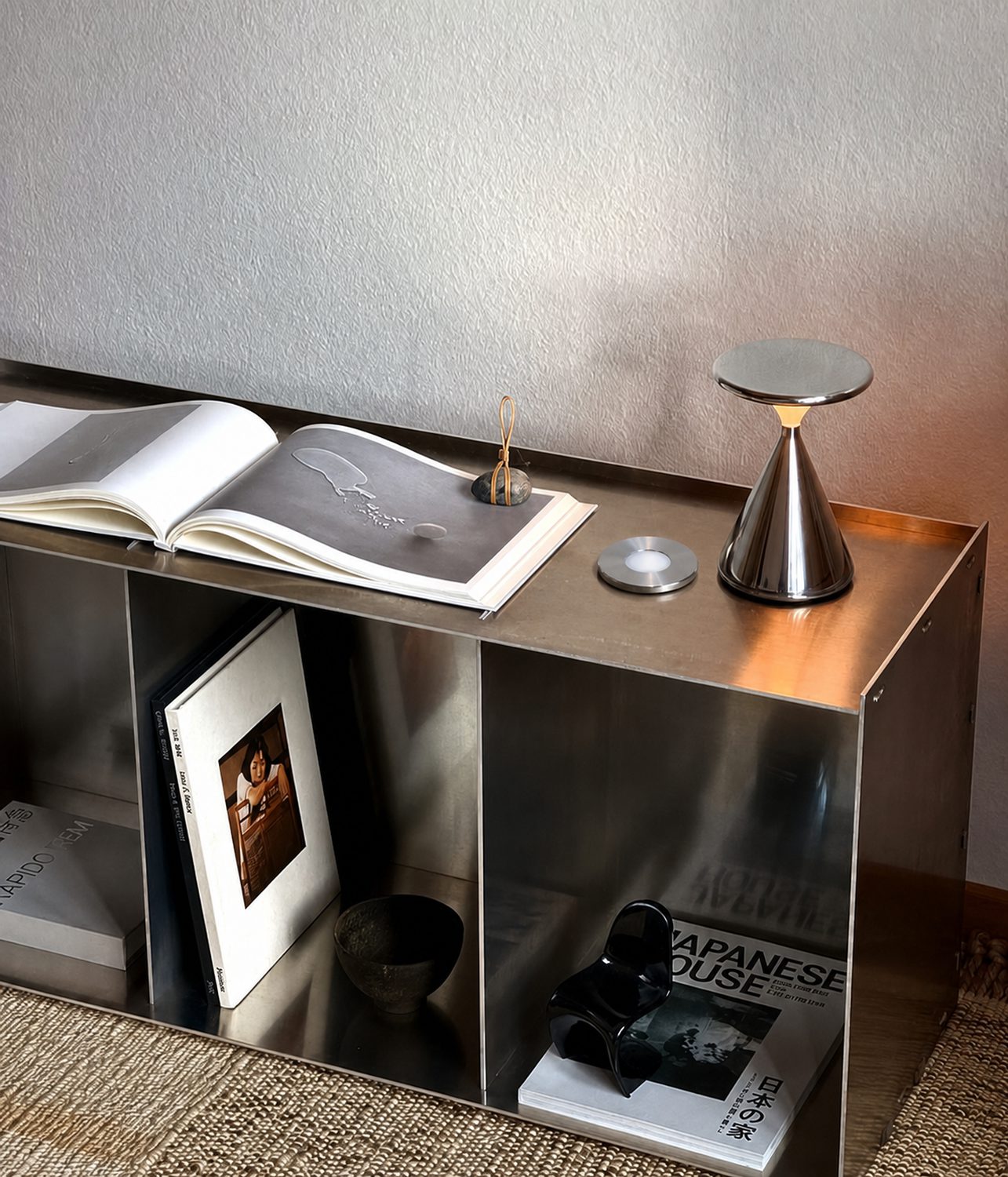
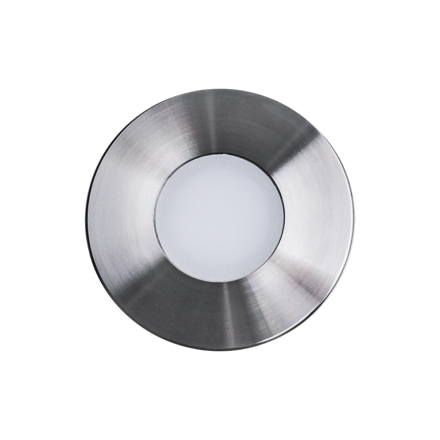
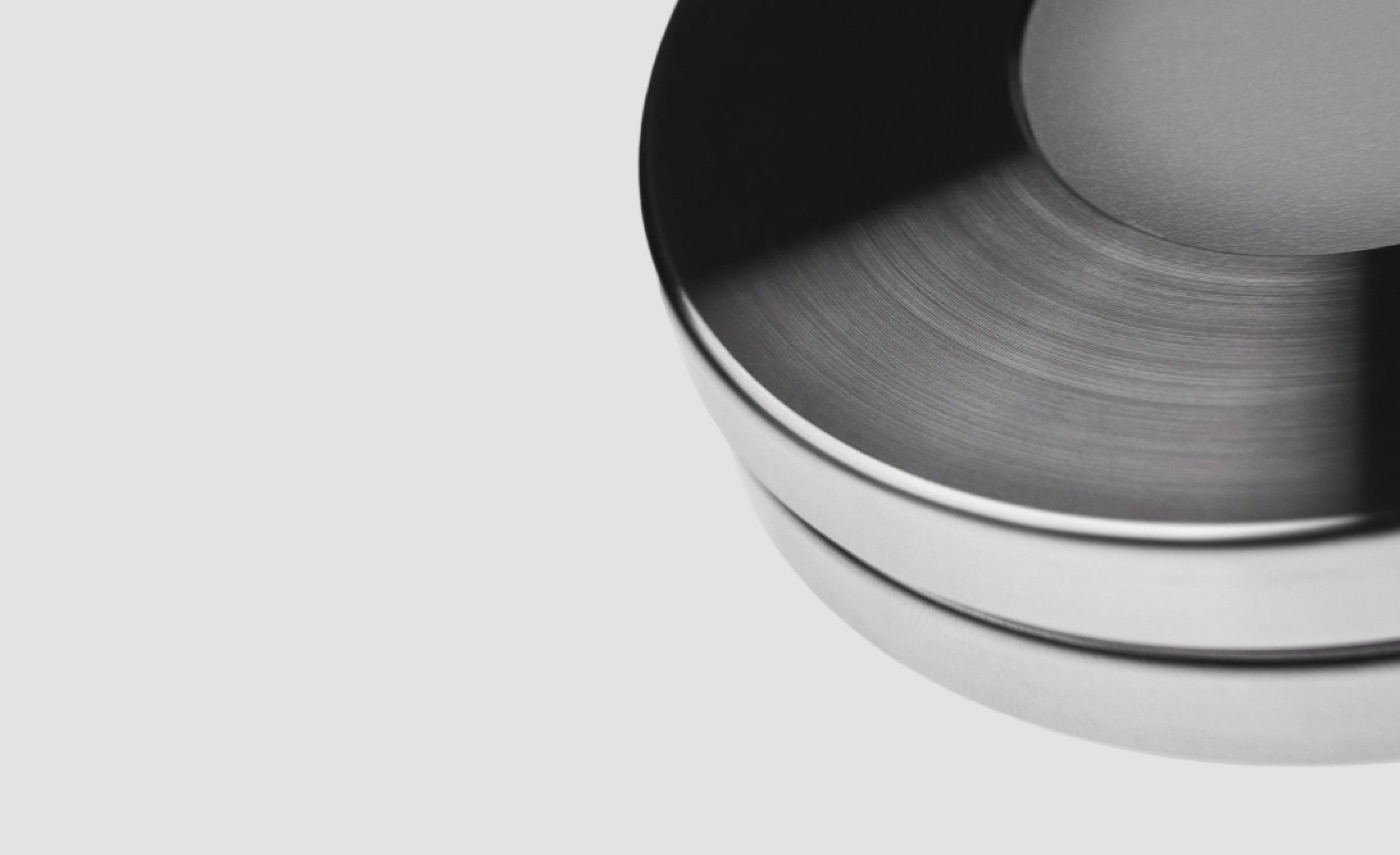
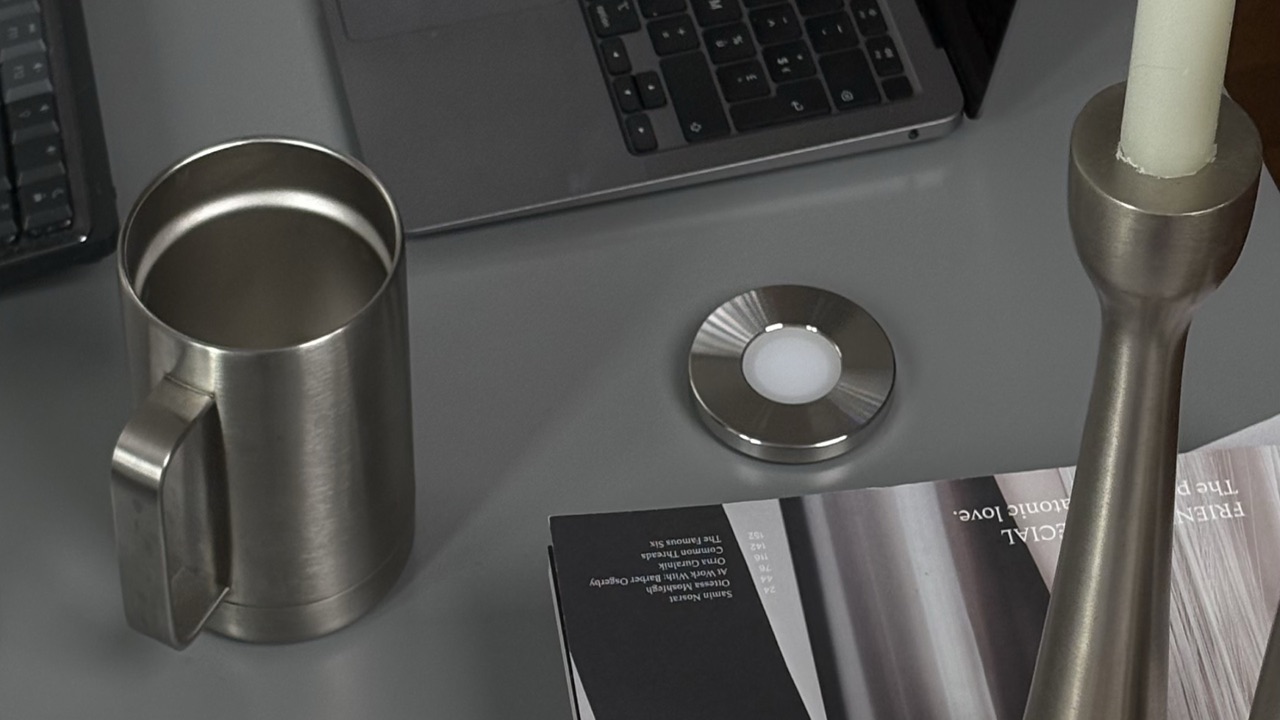
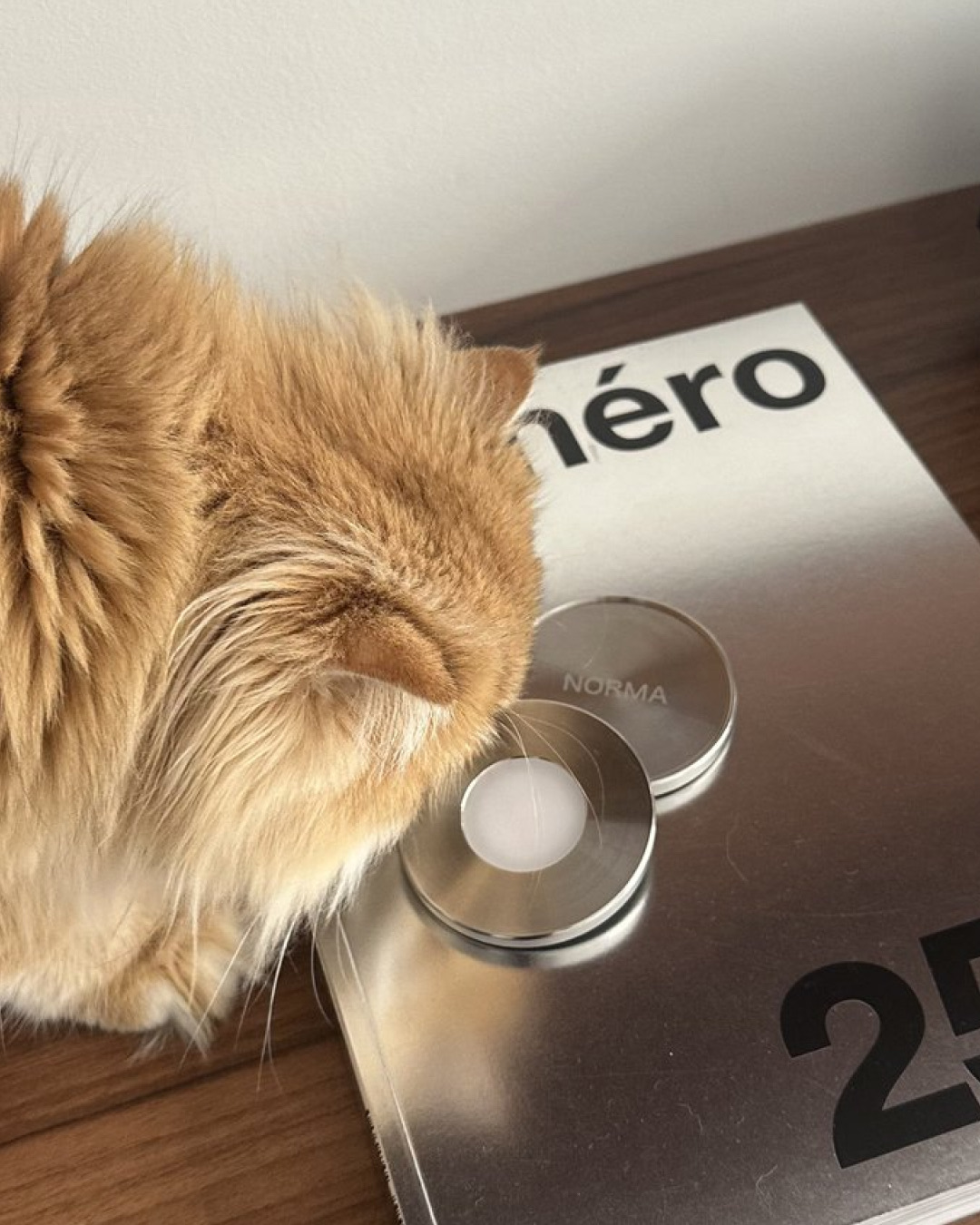
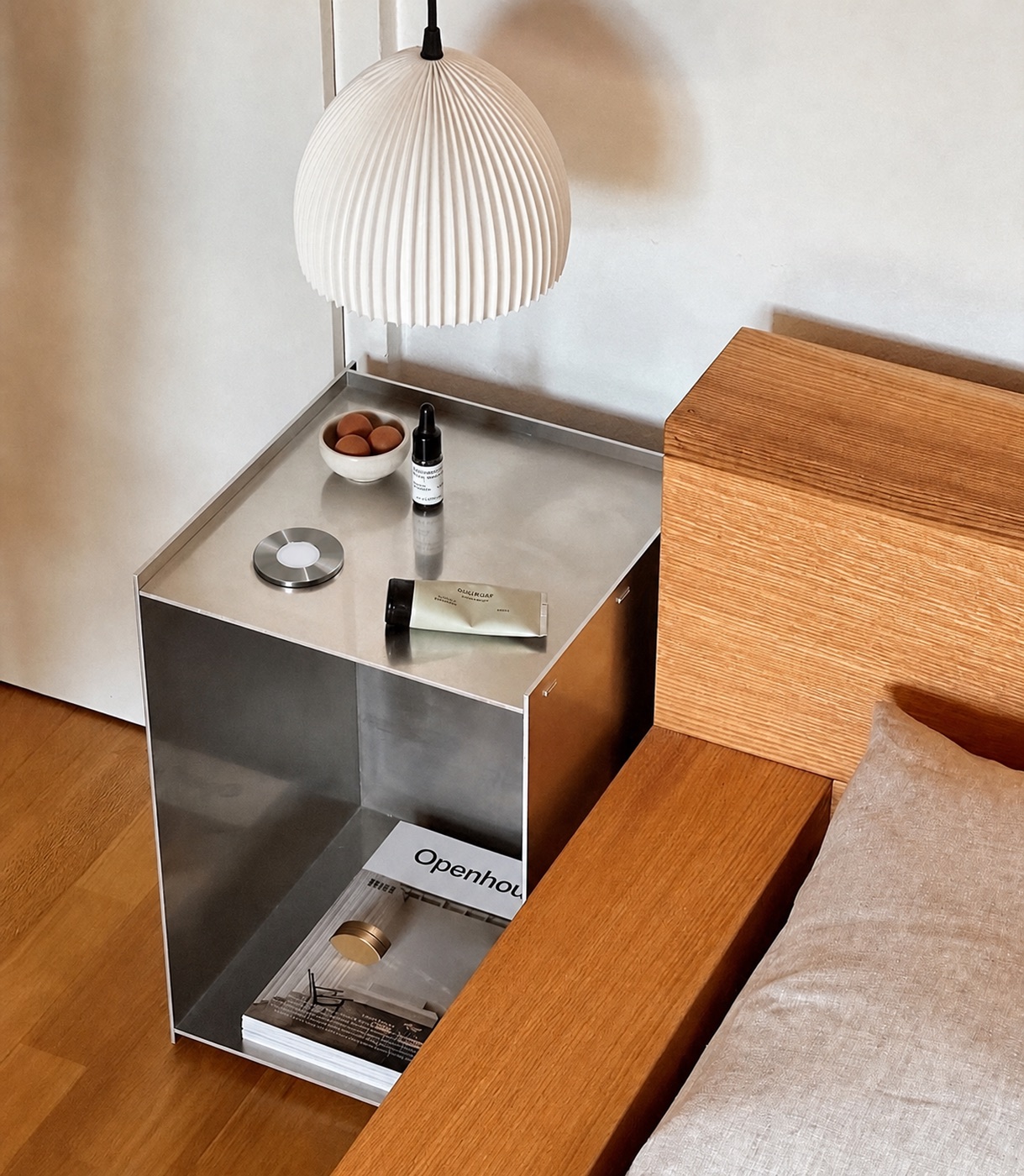
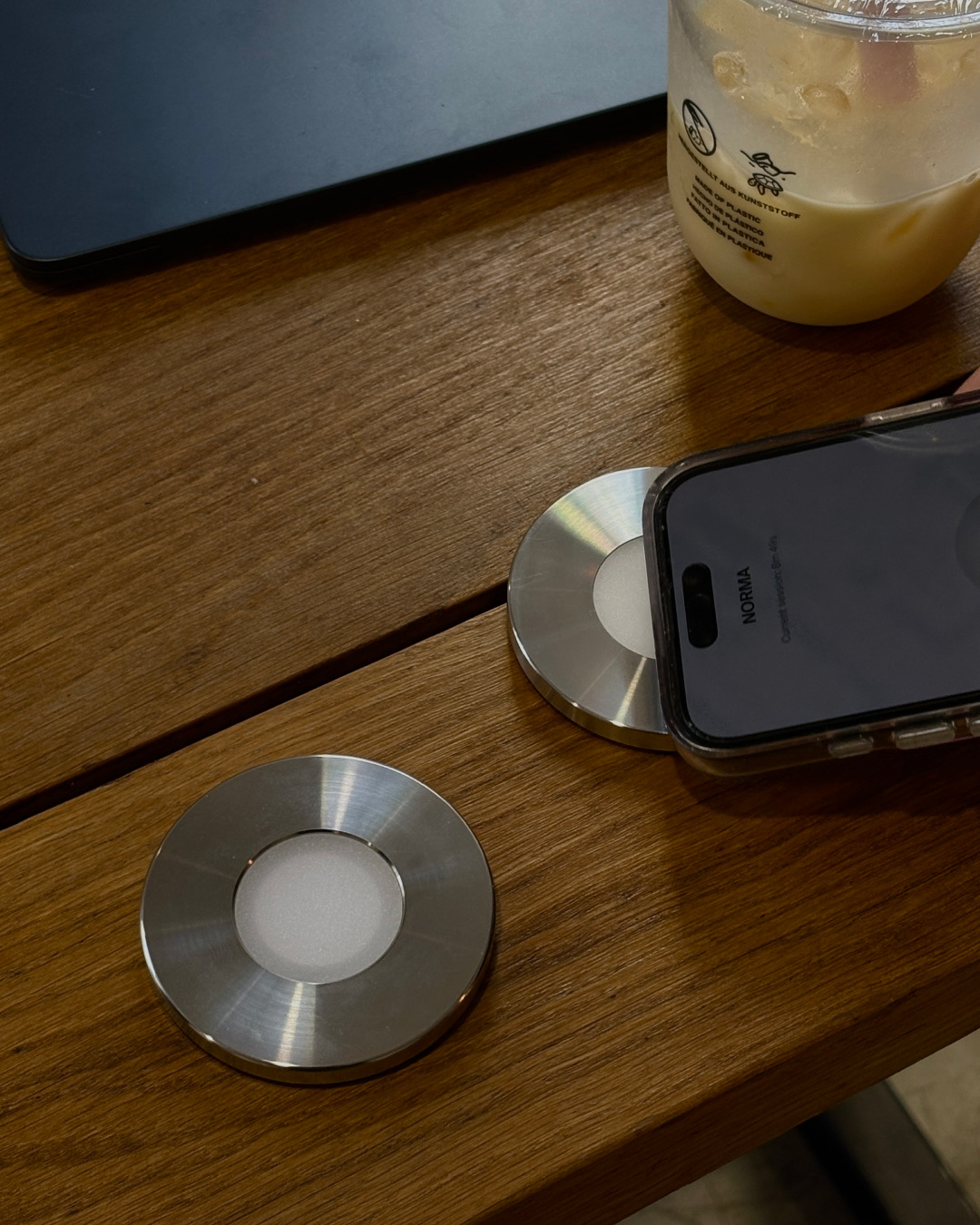
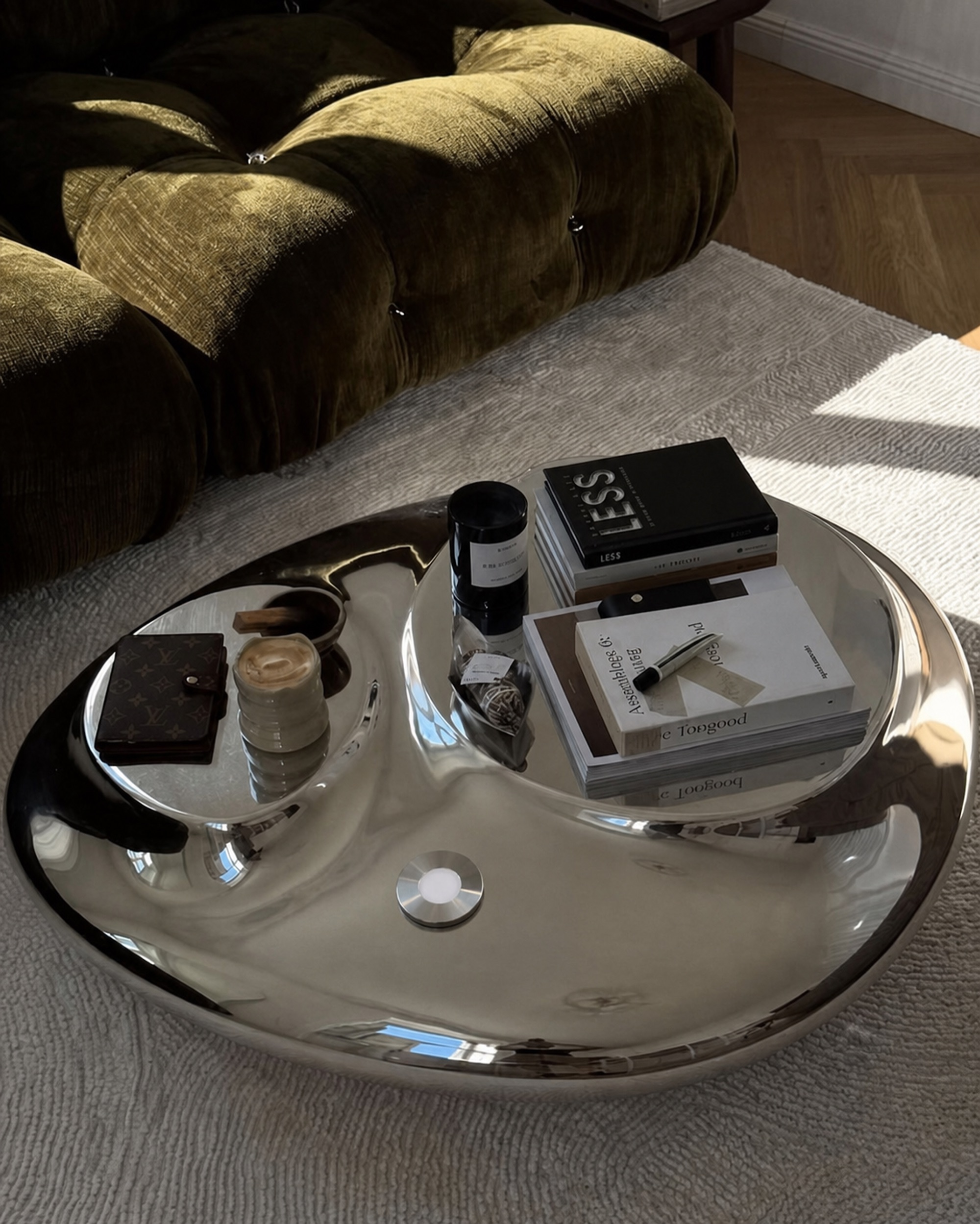
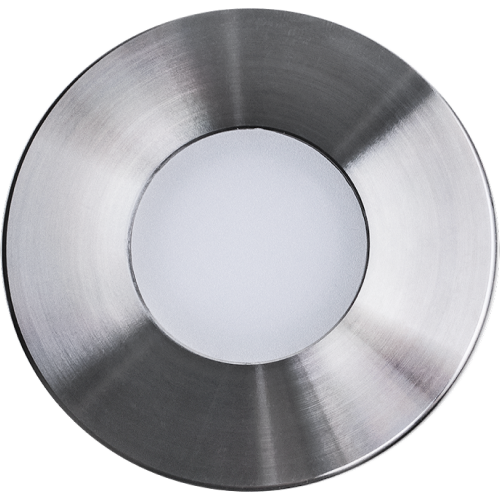
A stainless steel disc. Scan it with your iPhone and the apps you choose disappear until you scan again.
Used by people at these companies.






Blocking that lives outside your phone.
An app that blocks apps can be switched off from the same phone, in two taps. Norma's switch is a steel disc. To end a session, you get up and scan it.
How it works.
Pick your apps once. Scan to block them, scan again to get them back.
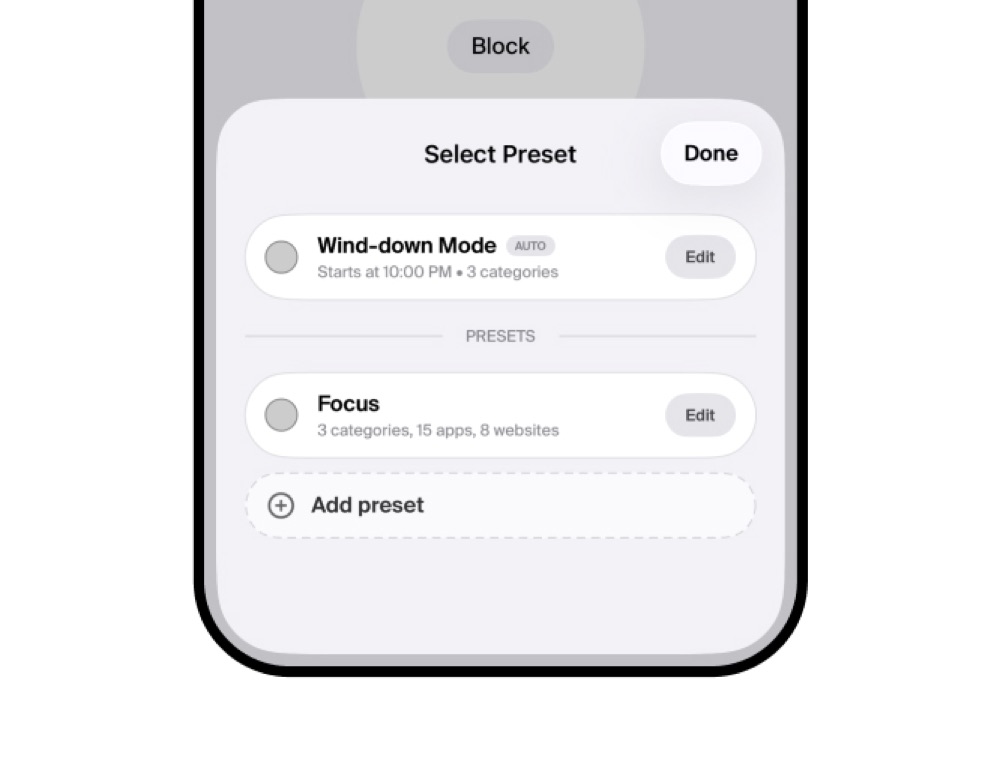
Build a preset
Pick the apps to block, once.
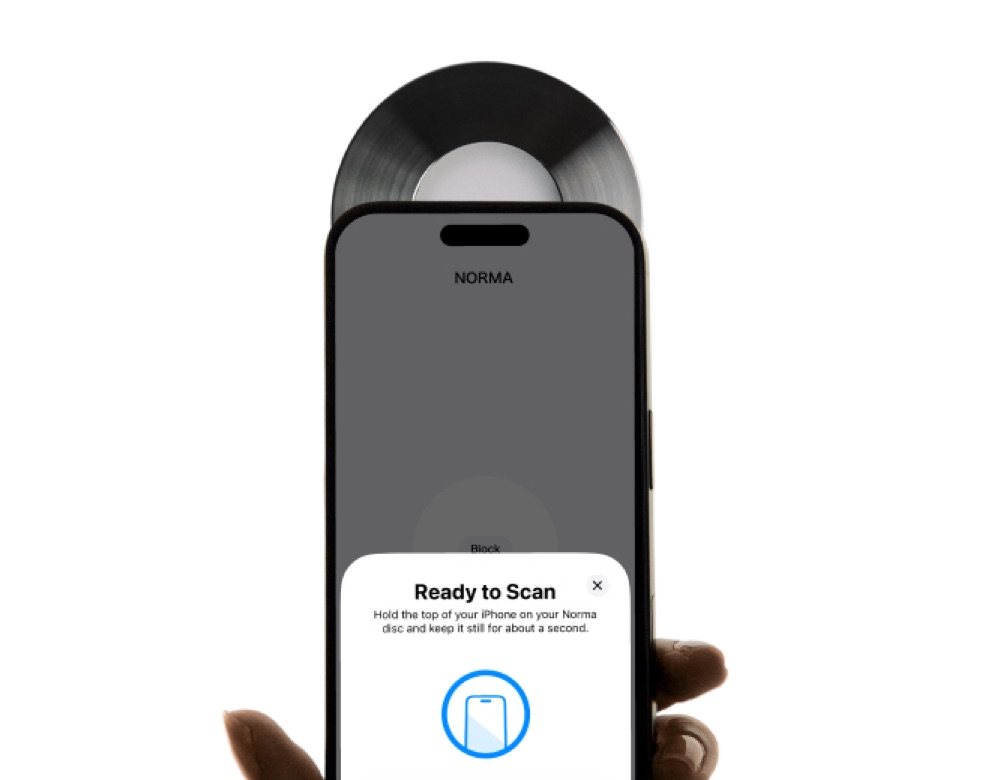
Scan your Norma
Hold your iPhone to the disc.
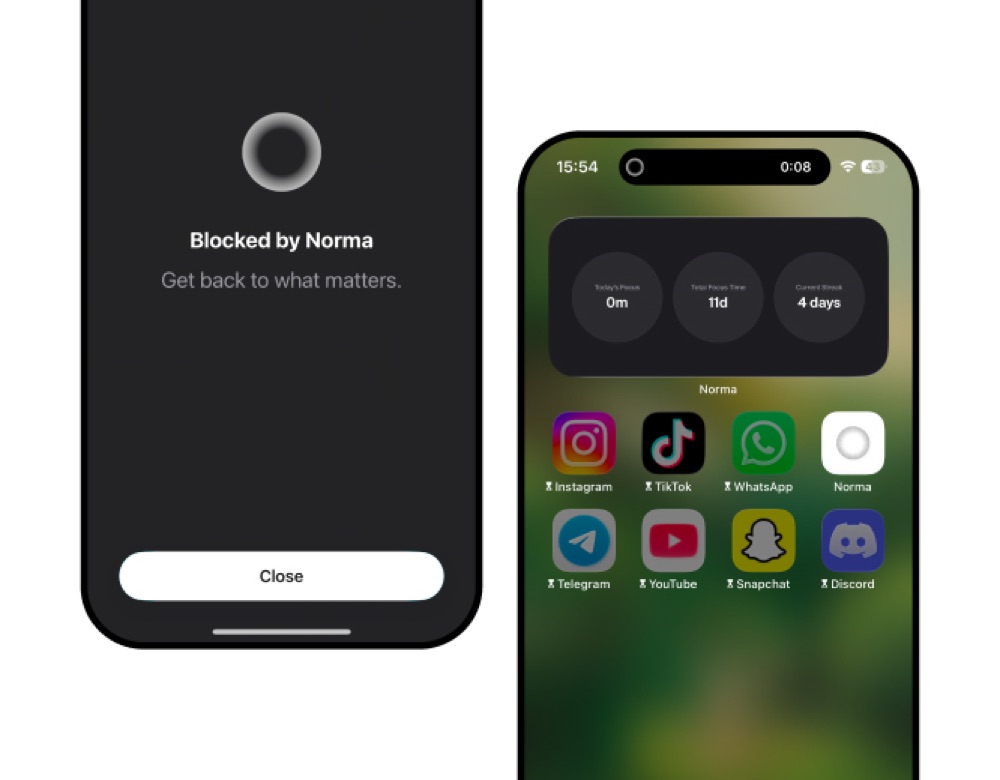
They disappear
Gone until you scan again.
Or start a scan fromSiriAction ButtonWidget
What the app does.
Scan once to turn off the apps you chose.
Pick the apps you want gone and start a session. They vanish from your phone and stay gone until you scan your Norma again.
- Blocking: Scan once to turn off the apps you chose. Pick the apps you want gone and start a session. They vanish from your phone and stay gone until you scan your Norma again.
- Presets: A set for every part of your day. Build presets with their own name, icon and apps. Swipe between work, sleep or dinner and start the right one in a second.
- Hold to block: Start without the disc. Press and hold the button for three seconds to begin a session. Ending it still takes a scan.
- Timer: Sessions that end on their own. Give the session a length. When the time is up it ends on its own and your apps come back.
- Hard lock: No way out until it ends. Lock a session for a set time. Until it runs out there is no way to unblock, not even by scanning your Norma.
- Wind-down: Focus that starts on its own. Choose a time in the evening and the session starts without you. Your apps are still blocked when you wake up, until you scan.
- Websites: Block the web on your Mac too. Choose the websites from your iPhone, and the same session blocks them on your Mac too.
- Insights: See the time you get back. Total focus time, today, this week and this month. Your current and best streak, your longest session, and the hours you focus most.
- Leaderboard: Compete, if you want to. Off by default. Turn it on to see how your focus time compares, and race the people who did the same.
- Achievements: Streaks and milestones. Badges unlock as your focus time adds up.
- Coming soon: Focus that knows where you are. Set a place on the map and the session starts the moment you arrive. To stop it, scan your Norma there or leave the area.
A day on a phone, in numbers.
How Norma compares.
| Norma | Screen Time | Focus apps | The alternatives | |
|---|---|---|---|---|
| A physical object you scan | ||||
| No bypass | ||||
| HardlockLock a session for a set time. Until it ends, there is no way to unblock, not even for you. | ||||
| Blocks when you arriveA session can start on its own the moment you reach a place you set, like the office. | ||||
| One scan blocks your Mac too | ||||
| Optional leaderboard | ||||
| Streaks & achievements | ||||
| No subscription | ||||
| Material | Stainless steel | – | – | Plastic |
| Price | 90 €, once | Free | 4 €–18 €/mo | 63 €–70 € |
“best product i bought in 2026”
“Great product. Love the UI on the app and how simple it is. The product itself looks elegant on my nightstand. Highly recommend!”
“Love the product, feels so well crafted and makes me want to keep on using it. It also tackles the focus problem much better than other apps, and it’s great to also see other people do it alongside yourself”
A preset for each part of your day.
Each preset has its own list of apps. One scan starts the one you need.


Order your Norma.
OrderYour Mac, blocked by the same scan.
When a session starts on your iPhone, the sites you chose are blocked on your Mac too, in every browser. They come back when you scan again.
Questions.
Norma blocks the apps you select and their notifications. When you scan the Unit Disc with your iPhone, the apps you chose become inaccessible and their notifications stop. Scan again to restore access.
No. Norma currently works with iPhone only.
No. You pay once, and the disc has no battery to charge.
Norma uses NFC. To activate it, place the top of your iPhone (near the camera area) against the disc. Heavy or thick cases can sometimes interfere with the signal and make the connection a little weaker; that's normal.
No. Norma works through your iPhone's built-in Screen Time, and nothing runs in the background, so there's no performance hit and no extra battery drain.
During setup, you choose which apps Norma will control. You can change it at any time by switching between different Focus modes directly from the app's home screen.
Yes, you can block distracting websites alongside apps, all grouped into your presets.
Norma includes a limited number of emergency unblocks you can use if you don't have your disc on hand.
We ship within 24–48 hours. Delivery then depends on where you are: 24–48 working hours in metropolitan France, 2–5 working days in the EU with DHL, 4–10 elsewhere with DHL Express. Standard shipping takes longer.
France and the EU: no customs fees. Outside the EU (including the US and the UK), your country may charge import duties and taxes when the parcel arrives. They're set and collected by your customs authority and the carrier, not by us: they aren't included in our prices and we unfortunately can't cover or refund them. The same goes for returns and refused deliveries: any duties, taxes or carrier fees charged when the parcel comes back to us are yours to cover and may be deducted from the refund.
Yes, within 14 days of delivery. We refund the price of the product; shipping costs paid at checkout aren't refunded, except standard delivery for EU consumers exercising their right of withdrawal, as the law requires. Return postage is paid by you, and any customs or import charges billed when your return reaches us may be deducted from the refund.
Yes. Checkout runs on Shopify. Your card details go to the payment processor and are never seen or stored by us. You can pay by card or Apple Pay.
Journal.
Articles on attention and screen time.