
Norma or Brick.
Both are physical objects you tap to block the apps that take your time, and they work on the same principle. Below: what differs between them, including the points where Brick comes out ahead.
90 €, one-time, no subscription. 14-day returns.
Used by people at these companies.






What both do the same way.
- A physical object you tap, not one more app.
- You pick the apps to block once, then you tap.
- No battery, no charging.
- A one-time purchase, no subscription.
- Without the object, the apps stay blocked.
The comparison.
| Norma | Brick | |
|---|---|---|
| Physical object you tap | ||
| iPhone | ||
| Android | ||
| macOS app | ||
| Location-triggered blocking | – | |
| Scheduled blocking | ||
| Lock you can’t interrupt | – | |
| No subscription | ||
| No battery | ||
| Material | Stainless steel | – |
| Price | 90 € | see getbrick.com |
– : not publicly documented by Brick at the verification date. We’d rather leave a cell empty than claim an absence we couldn’t confirm.
Comparison verified on 22 August 2026 against getbrick.com. Brick’s prices vary by country and ongoing promotions, so check their site.
How it works.
Pick your apps once. Scan to block them, scan again to get them back.
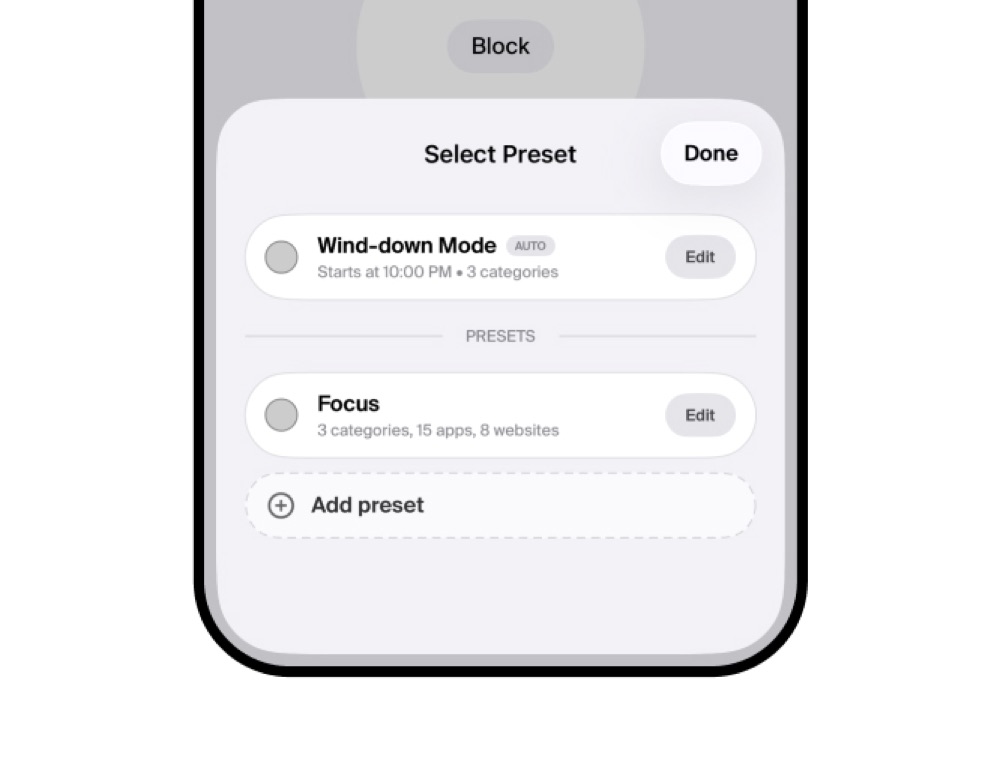
Build a preset
Pick the apps to block, once.
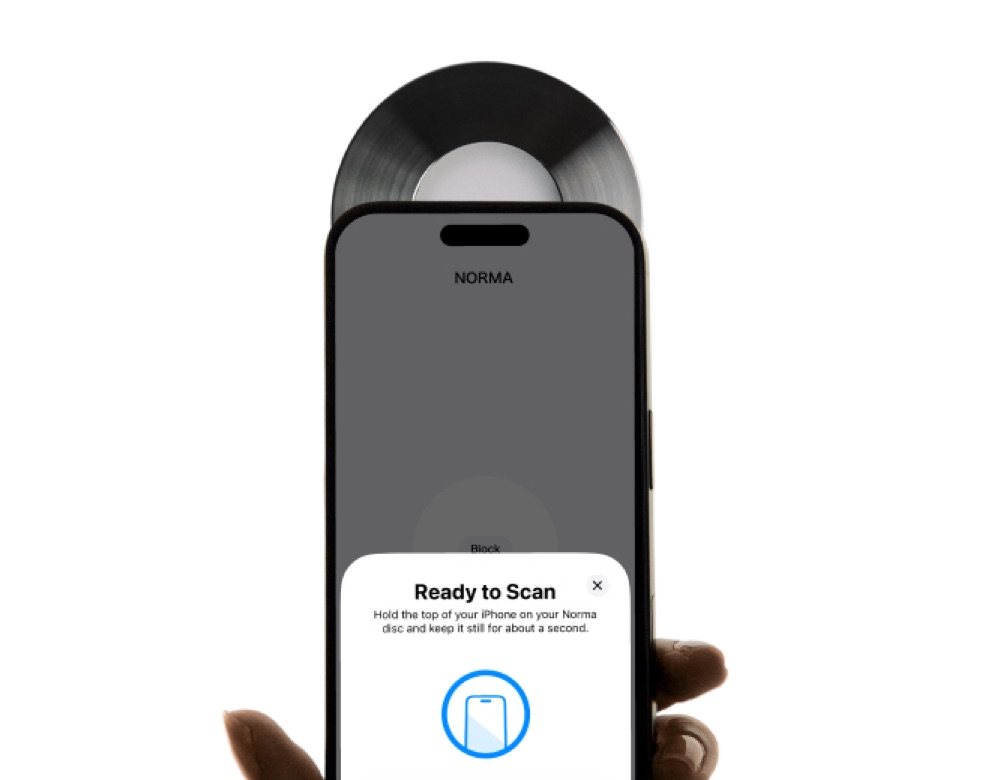
Scan your Norma
Hold your iPhone to the disc.
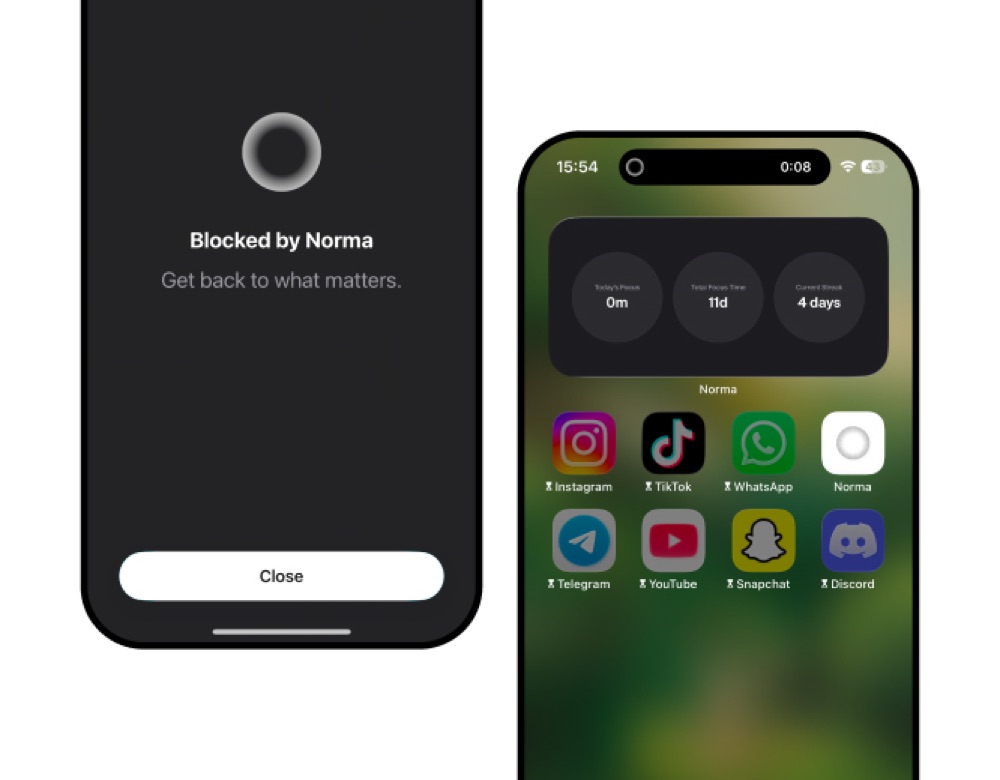
They disappear
Gone until you scan again.
Or start a scan fromSiriAction ButtonWidget
Your Mac, blocked by the same scan.
When a session starts on your iPhone, the sites you chose are blocked on your Mac too, in every browser. They come back when you scan again.
What the app does.
Scan once to turn off the apps you chose.
Pick the apps you want gone and start a session. They vanish from your phone and stay gone until you scan your Norma again.
- Blocking: Scan once to turn off the apps you chose. Pick the apps you want gone and start a session. They vanish from your phone and stay gone until you scan your Norma again.
- Presets: A set for every part of your day. Build presets with their own name, icon and apps. Swipe between work, sleep or dinner and start the right one in a second.
- Hold to block: Start without the disc. Press and hold the button for three seconds to begin a session. Ending it still takes a scan.
- Timer: Sessions that end on their own. Give the session a length. When the time is up it ends on its own and your apps come back.
- Hard lock: No way out until it ends. Lock a session for a set time. Until it runs out there is no way to unblock, not even by scanning your Norma.
- Wind-down: Focus that starts on its own. Choose a time in the evening and the session starts without you. Your apps are still blocked when you wake up, until you scan.
- Websites: Block the web on your Mac too. Choose the websites from your iPhone, and the same session blocks them on your Mac too.
- Insights: See the time you get back. Total focus time, today, this week and this month. Your current and best streak, your longest session, and the hours you focus most.
- Leaderboard: Compete, if you want to. Off by default. Turn it on to see how your focus time compares, and race the people who did the same.
- Achievements: Streaks and milestones. Badges unlock as your focus time adds up.
- Coming soon: Focus that knows where you are. Set a place on the map and the session starts the moment you arrive. To stop it, scan your Norma there or leave the area.
What Norma doesn’t do.
On these two points, Brick is ahead.
No Android.
Norma works on iPhone and Mac. If your phone runs Android, Brick is the right choice. We’d rather tell you here than after you order.
Norma costs more.
We are not the cheapest option, and we don’t try to be. There is no permanent sale and no countdown: one price, paid once.
“best product i bought in 2026”
“Great product. Love the UI on the app and how simple it is. The product itself looks elegant on my nightstand. Highly recommend!”
“Love the product, feels so well crafted and makes me want to keep on using it. It also tackles the focus problem much better than other apps, and it’s great to also see other people do it alongside yourself”
A day on a phone, in numbers.
Order your Norma.
OrderQuestions we get.
No. Norma works on iPhone, with a companion app on Mac. If you’re on Android, Brick supports both systems.
The principle is identical: an object you tap that cuts the apps you chose. The concrete differences are the Mac (Norma applies the block on the computer), automatic triggering by place or time, and the fact that Norma is iPhone-only where Brick also covers Android.
No. The disc is bought once and the app is included, with no subscription and no in-app purchase.
Screen Time is switched off in seconds in Settings. Norma builds on Screen Time but makes unlocking depend on an object: if the disc is in another room, the apps stay blocked.
Yes. You have 14 days to return your disc under the European right of withdrawal.
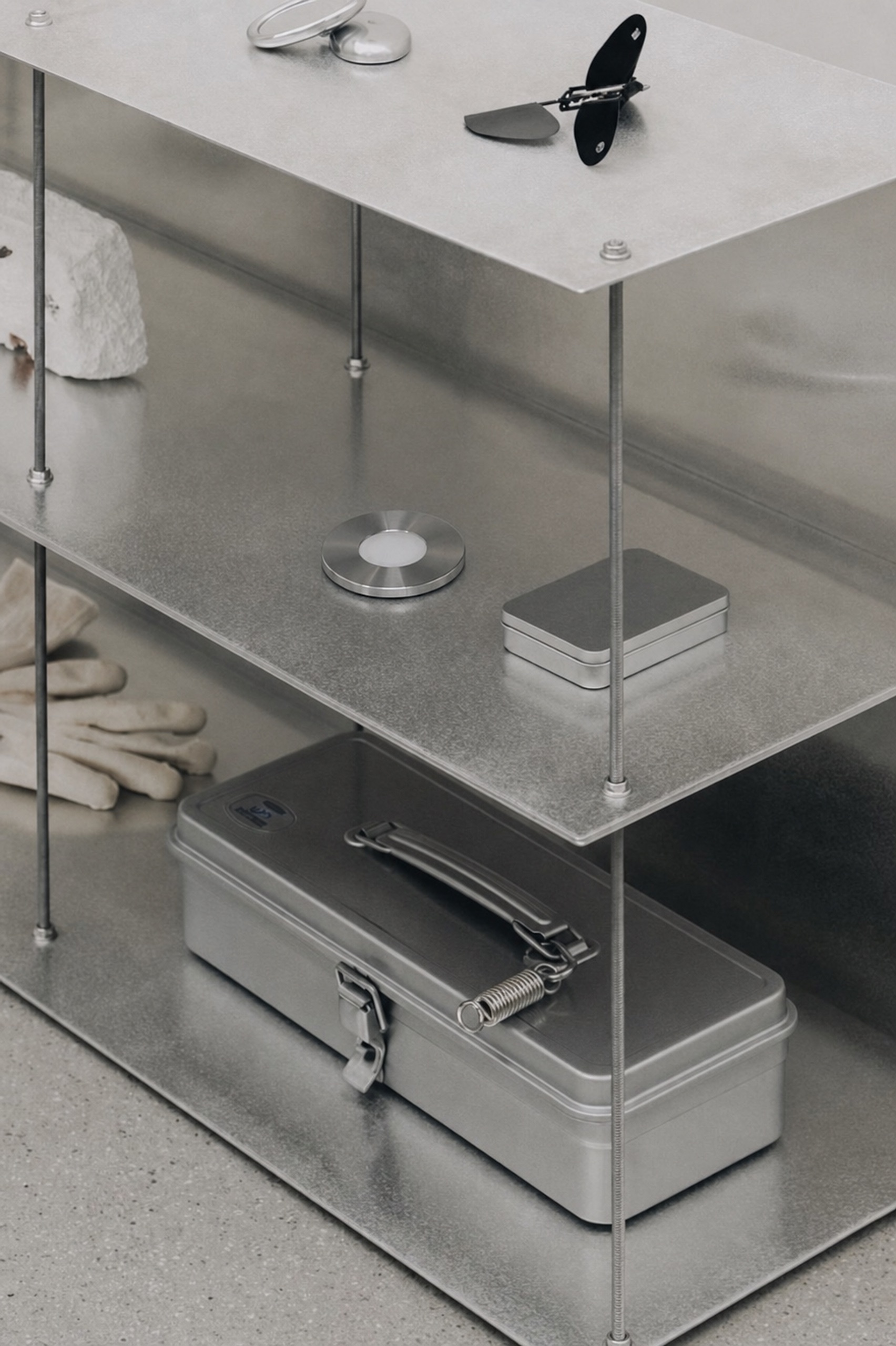
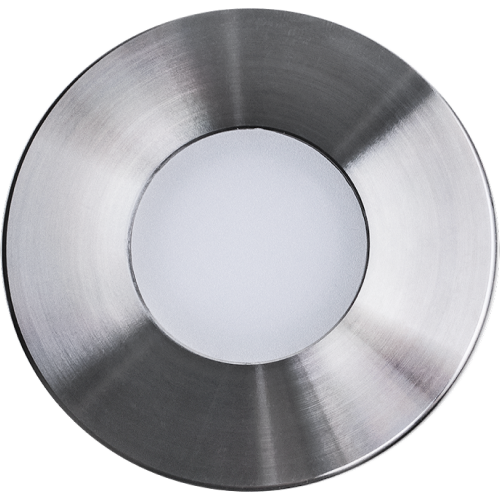
A steel disc, made to last.
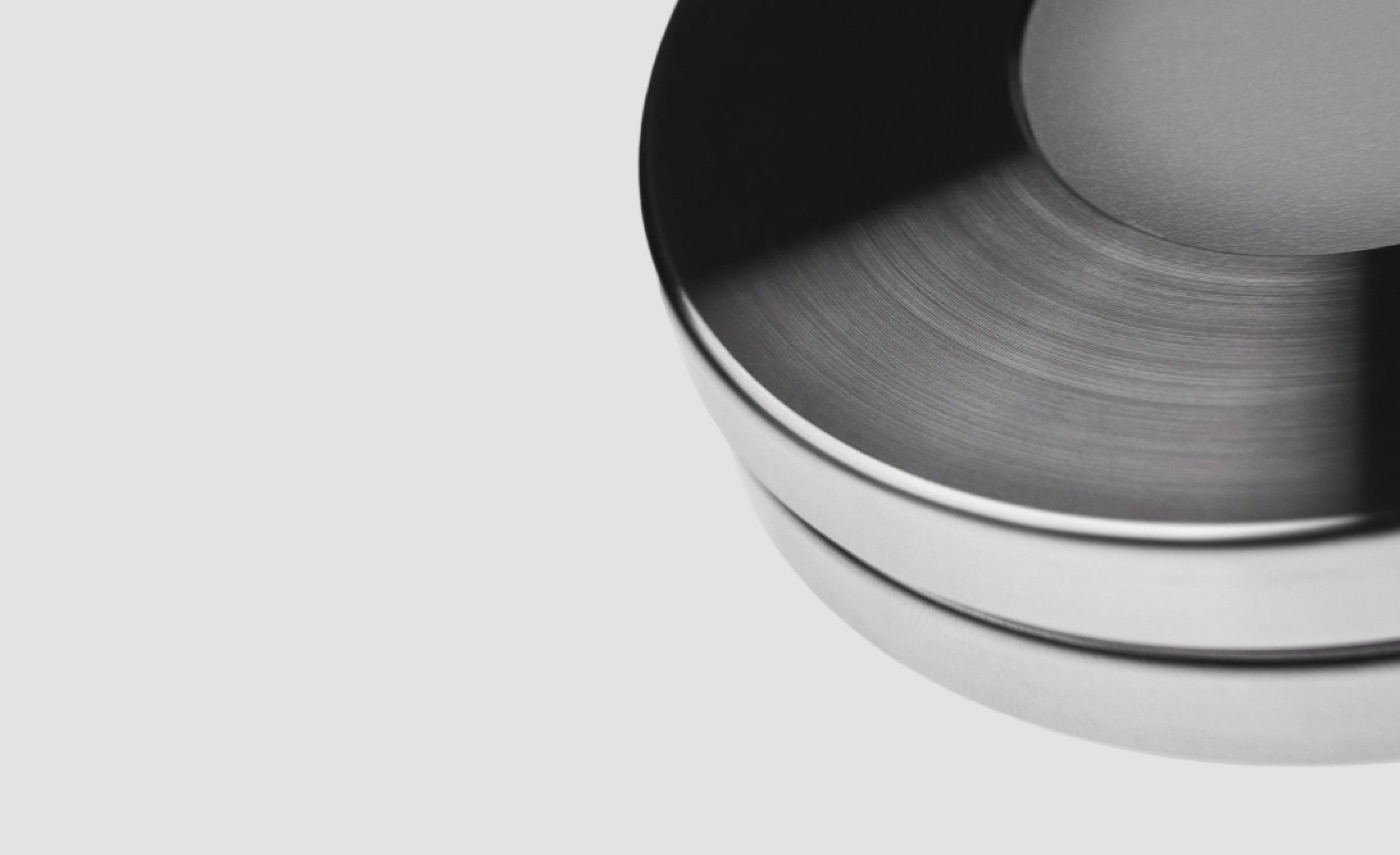
Machined from solid stainless steel, with no battery inside.
270 gStainless steel70 mmNo subscription