All three want the same thing for you: fewer hours lost to apps you didn’t mean to open. But they’re not equal. They differ on where the off switch lives, what you pay over time, and whether the thing doing the blocking is something you’d actually want on your desk — and on each of those, Norma comes out ahead.
The quick version. Opal is powerful software, but the switch stays on your phone and it’s a subscription. Brick is the closest rival — physical, bought once, with its own stats — yet it stops at the disc: phone only, no Mac app, no leaderboard, and it’s plastic. Norma is the one that’s physical and bought once and syncs to your Mac, machined from steel you’re glad to leave in view.
The three approaches
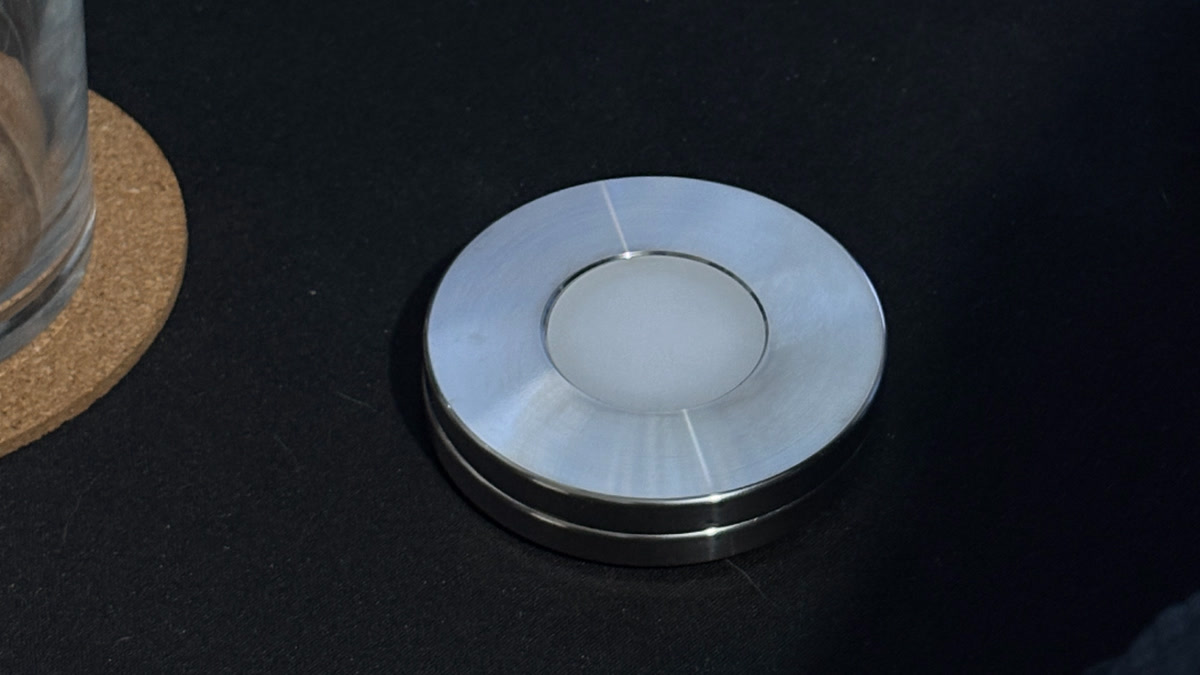
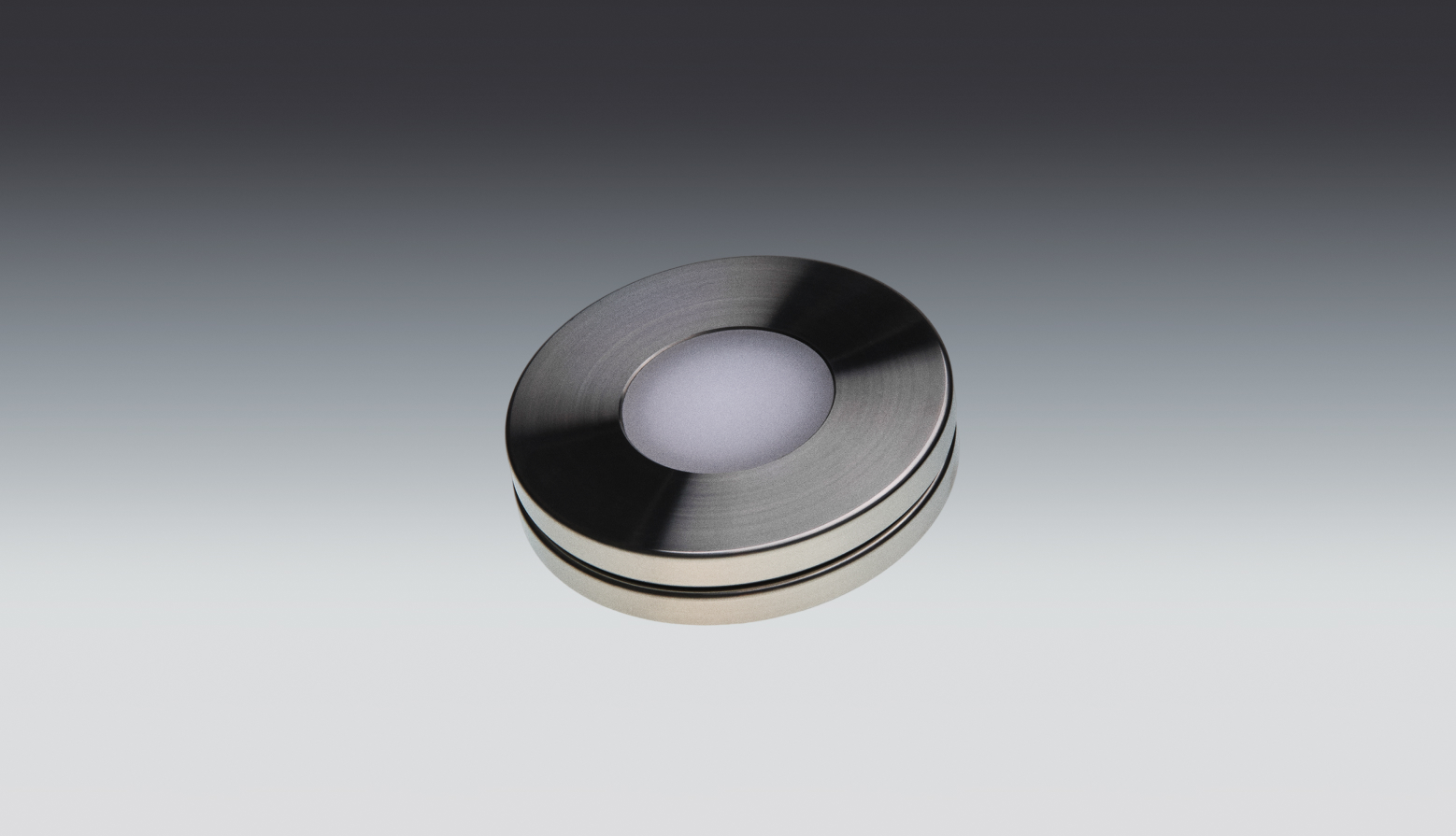
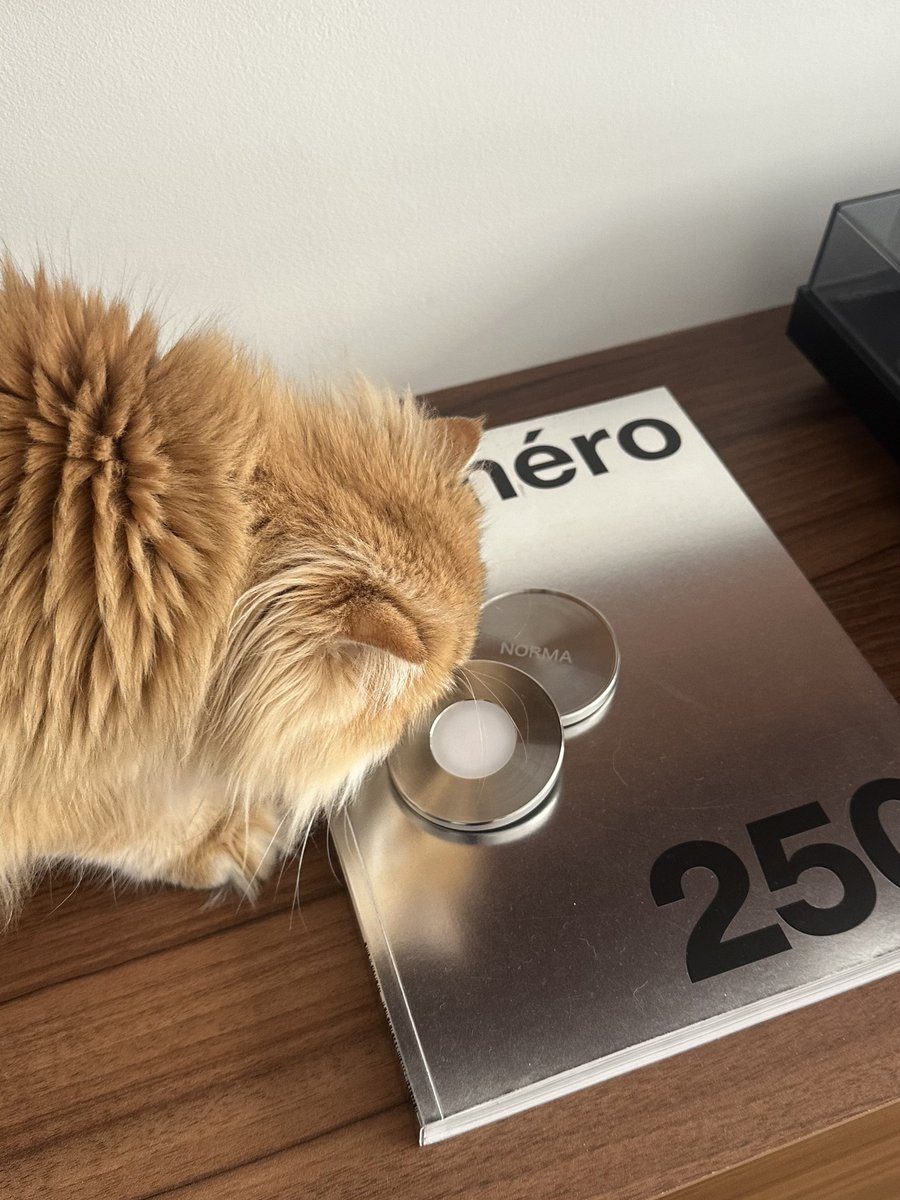
Opal is a screen-time app: it blocks apps and websites on a schedule, with detailed stats — all on your phone, on a subscription. Brick is a small plastic device you stick somewhere; you tap your phone to it to block your chosen apps, and tap again to unblock. Bought once, phone only — no Mac app. Norma is a machined stainless-steel disc you scan with your iPhone: the apps you chose go quiet until you scan again. Bought once, it blocks your Mac too, and it adds presets and an optional leaderboard.
| Norma | Brick | Opal | |
|---|---|---|---|
| Physical object you scan or tap | |||
| Bought once, no subscription | |||
| Blocks your Mac too | |||
| Insights & stats | |||
| Optional global leaderboard | |||
| Made of | Solid steel | Plastic | — |
Where each one stands
Opal: the off switch sits on the same phone you’re trying to step away from, so in the moment of weakness it’s one tap away. And because it’s a subscription, the focus stops the day you stop paying. Great software — but it never leaves the screen.
Brick: genuinely good, and the closest thing to Norma — physical, bought once, with its own insights. Where it stops: it’s phone only, with no Mac app, so the focus doesn’t follow you to your Mac; there’s no leaderboard for when you want a nudge; and it’s plastic, the kind of gadget you tuck out of sight. Norma matches everything Brick does and keeps going.
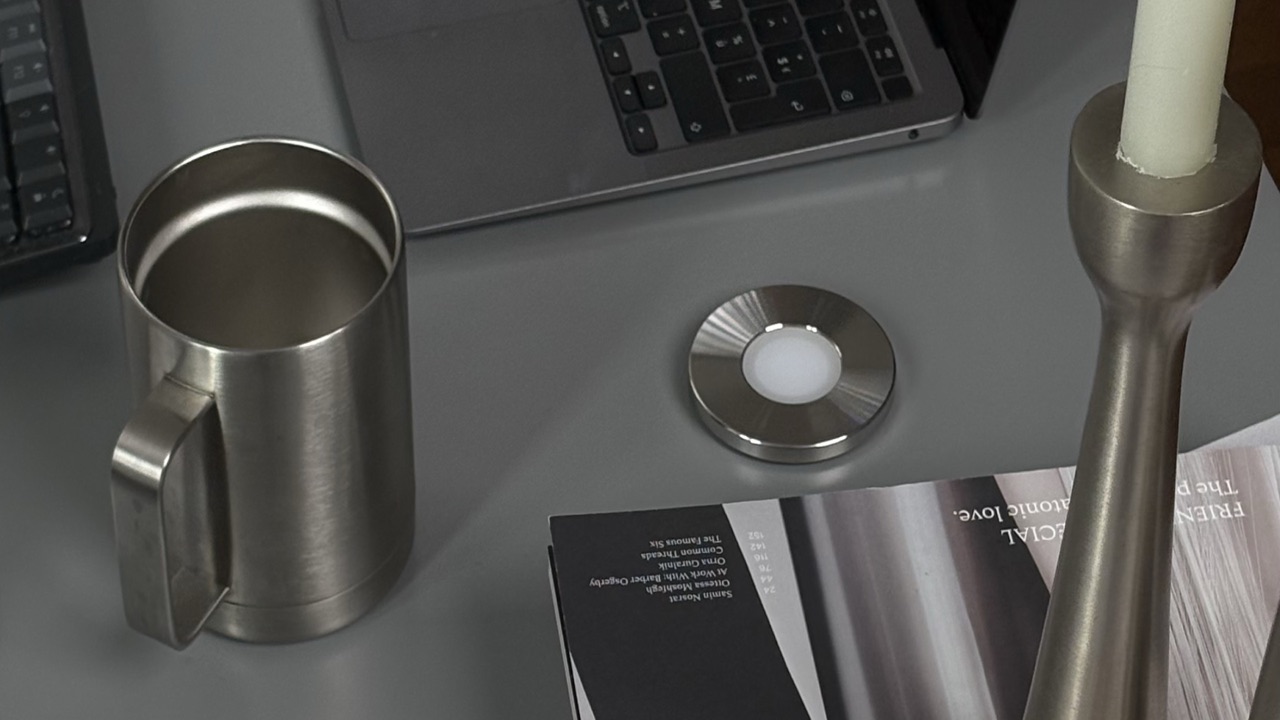
Norma: physical like Brick, bought once like Brick — then it adds Mac sync, an optional leaderboard, and a steel disc built to sit out rather than hide. Its one catch — you need the disc on hand to start a session — is the same friction that makes it work, and a limited set of emergency unblocks covers the rare time you’re caught out.
Key takeaways
- Opal keeps the off switch on your phone and charges monthly; Norma moves it onto steel, bought once.
- Brick is the closest rival — but it’s phone only with no Mac app, has no leaderboard, and it’s plastic.
- Norma does everything Brick does, then adds Mac sync, an optional leaderboard, and a steel build.
- If you want the switch off your phone for good, Norma is the one that goes furthest.
So which should you pick?
If you only want software and don’t mind paying monthly with the switch on your phone, Opal is fine. If you want the switch on a physical object — and you should — it’s really Brick or Norma. And there Norma wins the comparison that matters: the same physical, bought-once focus, but it follows you to your Mac, it adds a leaderboard for when you want one, and it’s a steel object you’ll keep on your desk instead of a plastic one you hide. Brick is good. Norma is the one most people will be happier they bought. Here’s the fuller case for a physical blocker over software, and what the disc is actually made of.
The short version
Software keeps the off switch on your phone. Brick moves it onto plastic, phone only — no Mac app. Norma moves it onto steel, syncs to your Mac, and is bought once — the same idea, taken furthest.
Questions, answered.
- Brick vs Opal — what’s the real difference?
- Opal is screen-time software on a subscription: powerful, but the off switch stays on your phone. Brick is a physical device you tap once to block apps — bought once, no subscription, but phone-only, with no Mac app, and made of plastic.
- Is Brick or Opal better for blocking apps?
- If you want software with schedules and detailed stats, Opal. If you want a physical switch you buy once, Brick. The catch they share: Opal’s switch never leaves your phone, and Brick doesn’t reach your Mac.
- Does Opal or Brick work on a Mac?
- Opal offers Mac software; Brick has no Mac app, so its blocks don’t follow you to the desktop. Norma blocks iPhone and Mac from the same scan.
- Is Brick a subscription like Opal?
- No. Brick is a one-time purchase, like Norma. Opal is the subscription — its focus stops the day you stop paying.
- What’s the best alternative to Brick and Opal?
- Norma: physical and bought once like Brick, but it also blocks your Mac, adds an optional leaderboard, and is machined from steel instead of plastic — the same idea, taken furthest.
- Brick vs Opal vs Norma — which should I choose?
- Want software only and don’t mind paying monthly? Opal. Want the switch on a physical object? It’s Brick or Norma — and Norma matches Brick, then adds Mac sync and a steel build you’ll keep in view.
One scan. Bought once. Built from steel.
A steel disc that blocks the apps you choose — on iPhone and Mac, with no subscription and no switch left on your phone.
Sources