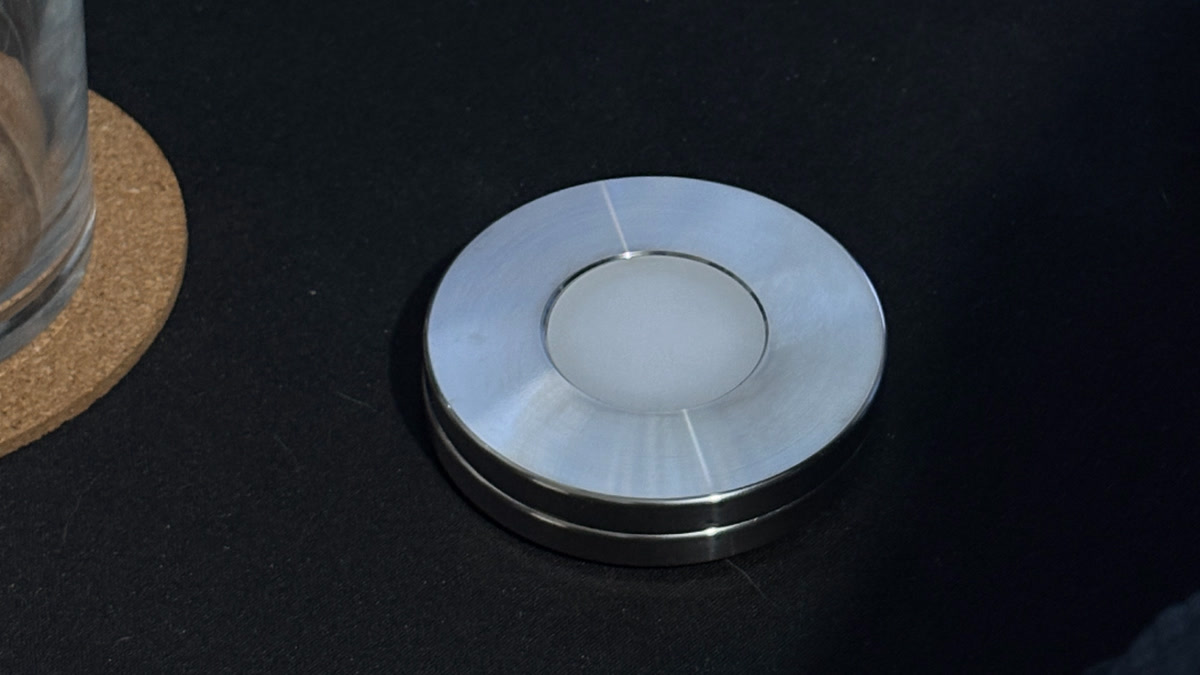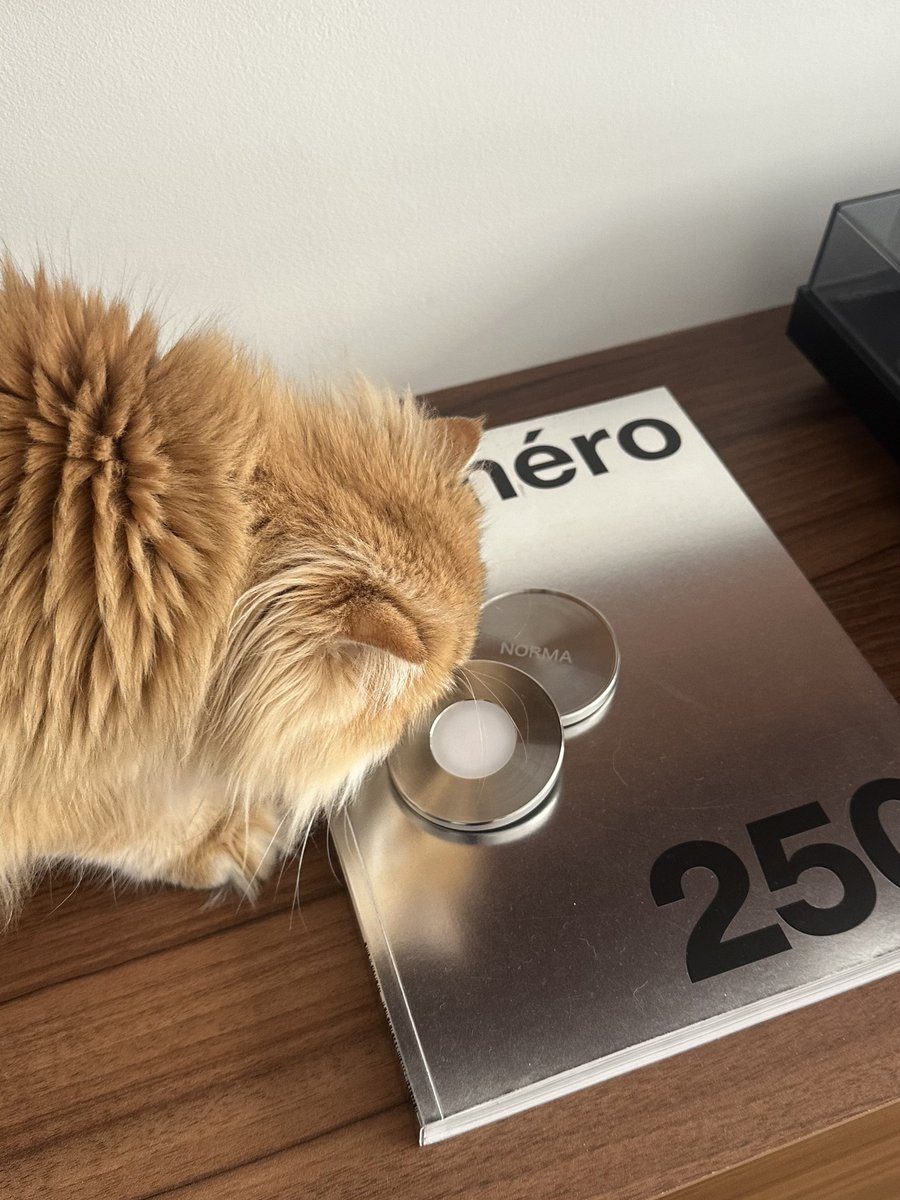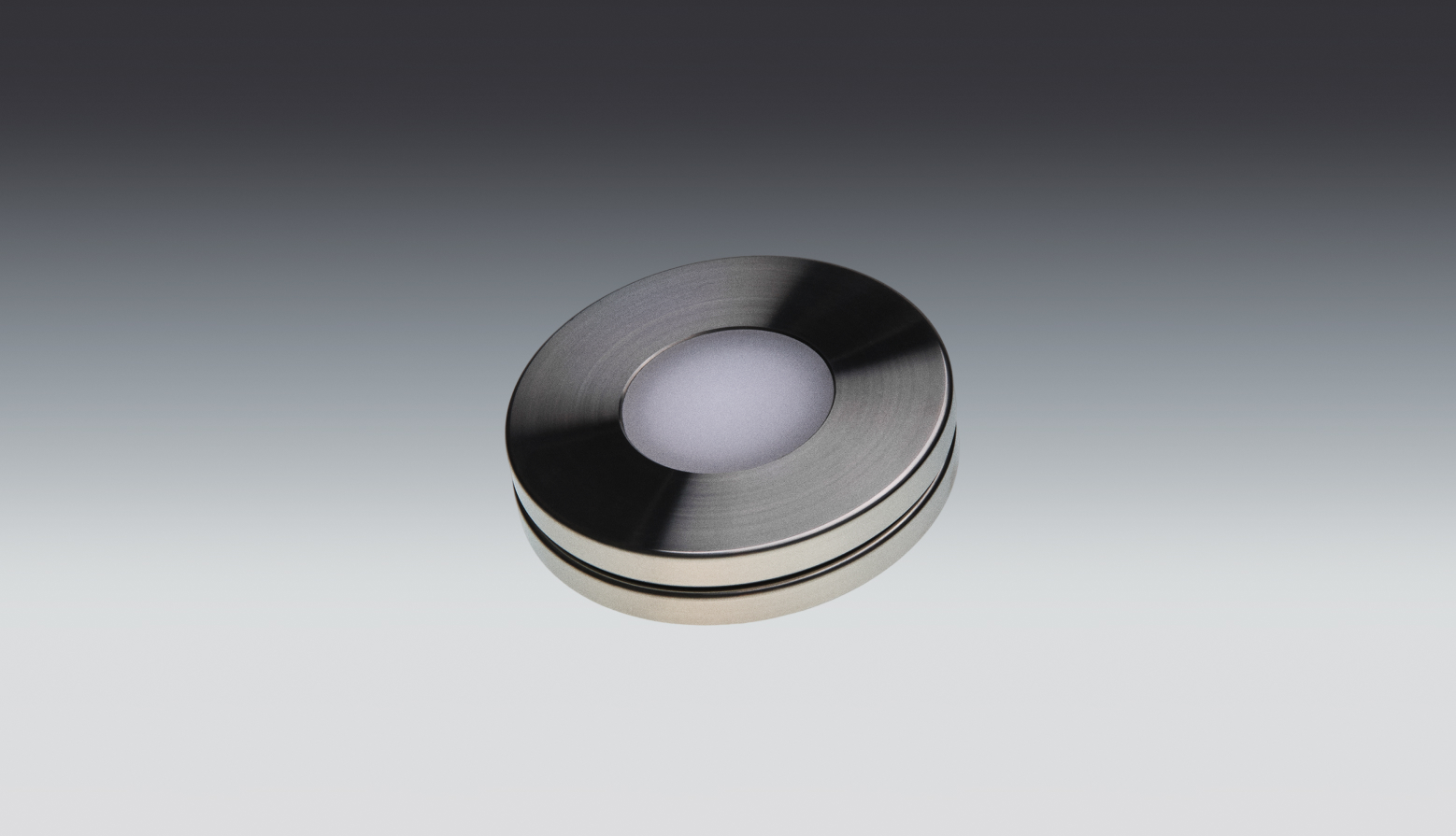
Every software blocker shares one flaw: the off switch is two taps away, on the very device that's distracting you. A bad five minutes is all it takes to disable it. Norma moves the switch off the screen entirely.
If you've tried to cut your screen time, you've probably already tried at least one of these tools, and watched it slowly stop working. That's not because they're badly built. Some are excellent. It's because they're all fighting on the same losing ground: inside the phone, where your weakest moment can always reach the settings.
The one difference that decides the rest
App blockers ask your willpower to win an argument with itself. Norma removes the argument: the block only changes when you physically scan the disc. That single design choice cascades into everything below.
Here's why it matters so much. Behavioral scientists talk about commitment devices: a decision you lock in while calm so your future, tempted self can't easily undo it. The strength of a commitment device depends entirely on how hard it is to reverse in the moment of temptation. A blocker whose "end session" button sits on your home screen is a commitment device with the lock left open.
| Norma | Screen Time | App blockers | |
|---|---|---|---|
| Physical trigger | |||
| Off switch off-device | |||
| Works on iPhone + Mac | partial | partial | |
| No subscription | |||
| Nothing to talk yourself out of | |||
| Survives a weak moment | |||
| One-time cost |
Where each tool actually fits
These aren't useless. They're just built for a slightly different job than the one most people hire them for.
Apple Screen Time
Screen Time is genuinely good at two things: awareness and parental controls. The weekly report is a useful mirror, and for a child's device, where a parent holds the passcode on a different phone, the limits hold.
For an adult managing their own device, it falls apart, and the reason is structural: the passcode that unlocks your own limits lives on the same phone you're trying to resist. "One more minute" is a few taps in Settings, and most adults learn that path within days. The barrier and the person trying to cross it are the same self, in the same moment.
App blockers: Opal, one sec, Freedom
This category adds real craft. one sec introduces a deliberate breath before an app opens, a small, evidence-informed pause that genuinely reduces opens. Freedom syncs blocks across devices. Opal wraps it all in good design and detailed stats.
They help, until the day you tap "end session early," or uninstall the app in ten seconds, or let the focus session lapse and don't restart it. They also tend to carry a monthly subscription, so you keep paying for a barrier you can remove for free, instantly, whenever you want to. The friction they add is real but soft: it lives one layer deep in the same device, and the same device is the problem.
The honest take
Software blockers aren't a scam. They're fighting on the wrong battlefield. If the only thing standing between you and the feed is another tap, then on a long enough timeline the feed wins, because it only has to win once and you have to win every time.
Why the disc holds
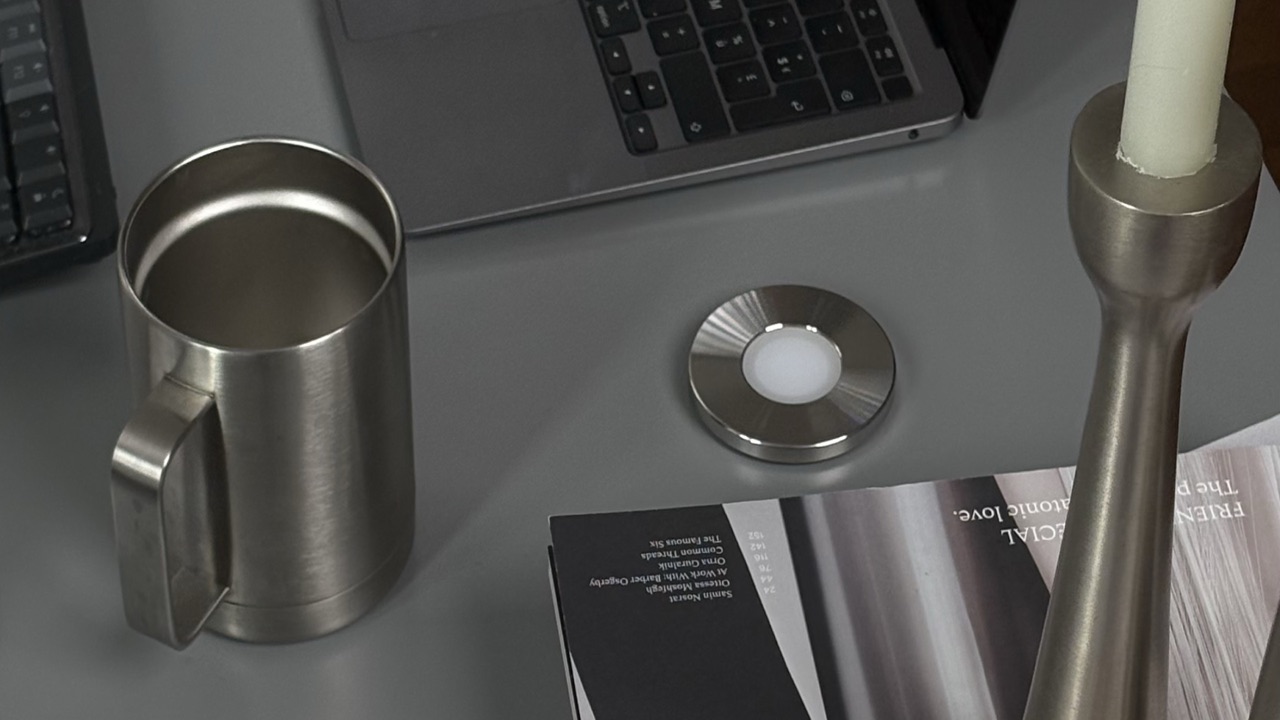
Norma changes one variable: it takes the off switch off the screen and puts it on a physical object you can leave behind.
That sounds almost too simple to matter. It's the whole thing. When the only way to lift a block is to walk to your desk, your nightstand, or another room and physically scan a disc, the weak moment runs out of road. There's no button to tap, no passcode to enter, no "end early" to rationalize. The decision you made calmly (these apps, gone) stays made, because undoing it now requires an action your tired, end-of-day self won't bother to take.
Key takeaways
- The block changes only with a real, physical scan, not a tap you'll regret.
- Keep the disc in another room and distance does the work for you, automatically.
- One-time purchase, no subscription, no account or passcode to juggle.
- The same scan blocks distracting sites on your Mac, too: focus follows you across devices.
- Nothing to uninstall in a weak moment, because the switch was never on the phone.
The short version
If you want a mirror for your habits, Screen Time is fine. If you want a soft pause and don't mind a subscription, the app blockers are well made. If you want the apps to actually be gone when you decide they should be, and to stay gone through the exact moment you'd normally cave, you need the switch somewhere your thumb can't reach it. That's the gap a disc fills, and it's the same principle behind why screen time was never really a willpower problem.
Questions, answered.
- Do app blockers actually work?
- They help, and the good ones are well made: one sec adds a deliberate pause before an app opens, a small pause that genuinely reduces opens, Freedom syncs blocks across devices, and Opal wraps it all in good design and detailed stats. The limit is that the friction stays soft. It lives one layer deep in the same device, so it holds until the day you tap “end session early”, uninstall the app in ten seconds, or let a focus session lapse and don’t restart it.
- Can you bypass app blockers?
- On your own device, usually yes, and not because the software is badly built. A blocker can be ended early or uninstalled in about ten seconds, and Screen Time’s passcode lives on the same phone that holds the limits, so “one more minute” is a few taps in Settings. The barrier and the person trying to cross it are the same self, in the same moment.
- Is Apple Screen Time enough on its own?
- It depends whose phone it is. Screen Time is genuinely good at awareness and at parental controls: the weekly report is a useful mirror, and on a child’s device, where a parent keeps the passcode on a different phone, the limits hold. For an adult managing their own device it falls apart, and the reason is structural — the passcode that unlocks your limits sits on the phone you are trying to resist.
- What works better than a screen-time app?
- The comparison that matters isn’t the feature list, it’s where the off switch lives. Every software blocker keeps it on the device that is distracting you, one or two taps away, which is why these tools tend to fade over time. Norma moves the switch onto a physical disc you can leave in another room, so the block only changes when you scan it.
- Is a physical app blocker worth it?
- It depends on which failure you keep running into. If you want a mirror for your habits, Screen Time already does that job. If the problem is that you lift the block in the exact moment you most need it, what you are buying is a switch that is not on your phone: Norma is a one-time purchase with no subscription, and the block only lifts when you physically scan the disc.
- Does Norma need a subscription?
- No. Norma is a one-time purchase — no subscription, and no account or passcode to manage. It works on iPhone, and the same scan also blocks distracting sites on your Mac.
Move the off switch off your screen.
A stainless-steel disc, one scan, and the apps you chose are gone.
Sources