You pick up your phone for one thing, and twenty minutes of feed later you can’t remember what it was. Infinite scroll isn’t a willpower problem — it’s a design. And you can beat a design, but only if you stop fighting it on its own turf.
iOS gives you real tools to slow the scroll. Most people try them, feel better for a day or two, then drift back. That’s not failure — it’s a clue. The tools share one weakness, and once you see it the fix becomes obvious.
Why infinite scroll is so hard to put down
A feed never ends and never loads a “next page,” so there’s no natural stopping cue — no bottom, no count, nothing that says you’re done. Pull-to-refresh adds a slot-machine rhythm: each pull might deliver something good or nothing at all, and that variable reward is the most habit-forming pattern in behavioural science. Your brain isn’t weak; it’s responding exactly as designed.
The built-in iOS tools — and where each one breaks
Screen Time app limits (Settings → Screen Time → App Limits) cap an app at, say, 30 minutes. When you hit it, a screen appears — with an “Ignore Limit” button right there. The limit asks permission to stop you, and you’re allowed to say no, in the exact moment you least want to.
Removing an app from the Home Screen into the App Library adds friction: you have to search for it instead of tapping a familiar icon. It works briefly, until swipe-down-and-type becomes as automatic as the tap it replaced.
Grayscale (Settings → Accessibility → Display & Text Size → Color Filters) drains the colour out of feeds and genuinely makes them less rewarding. But it’s a global toggle — the same two taps that turned it on turn it off the second a feed gets dull.
Focus modes can hide apps and silence alerts on a schedule. A scheduled Focus like Sleep works well. A Focus you flip on for deep work works far less often — for the reason every tool here shares.
The pattern behind every failure
Look at the list again. Every tool keeps its off switch on the phone — the same device, often the same screen, you’re trying to step away from. So at the precise moment of weakness the escape hatch is one reach away, and the part of you that wants the scroll is the part deciding whether to use it. Your screen time isn’t a character flaw; it’s this design.
Key takeaways
- Infinite scroll is engineered with no stopping cue and variable rewards — not a willpower gap.
- Every built-in iOS tool helps, then fades, for one reason: the off switch stays on the phone.
- Scheduled limits beat self-toggled ones — you’re not in the loop to override them.
- The durable fix is to move the off switch off the screen entirely.
A different approach: move the switch off the screen
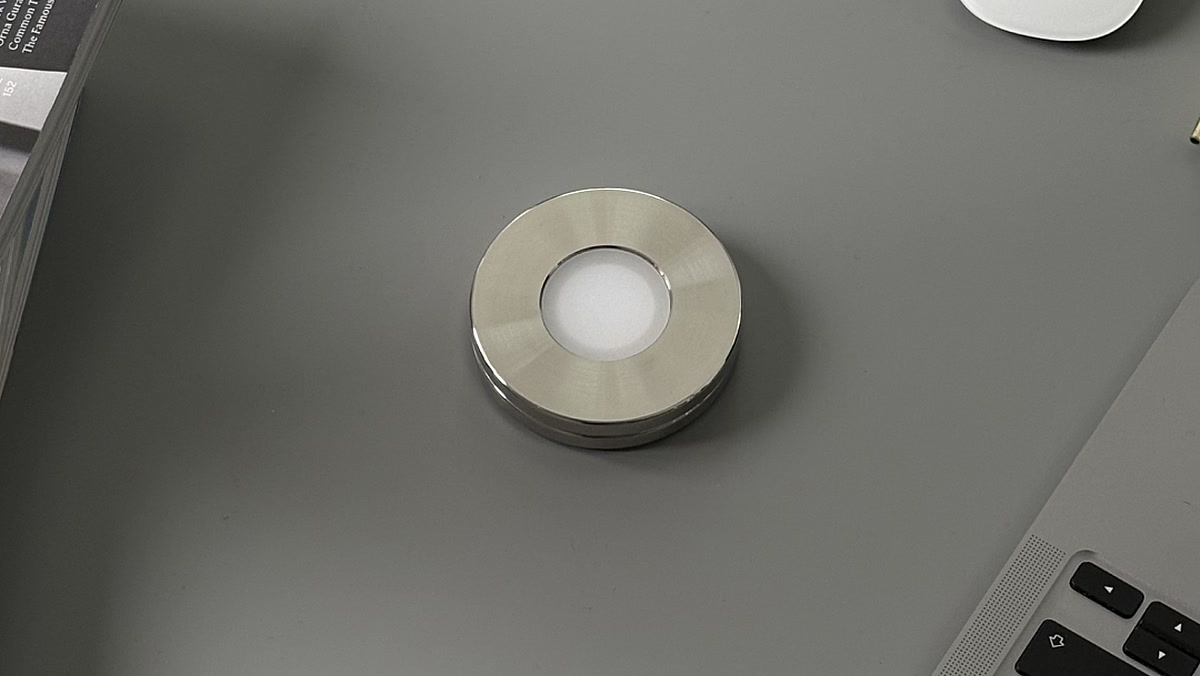
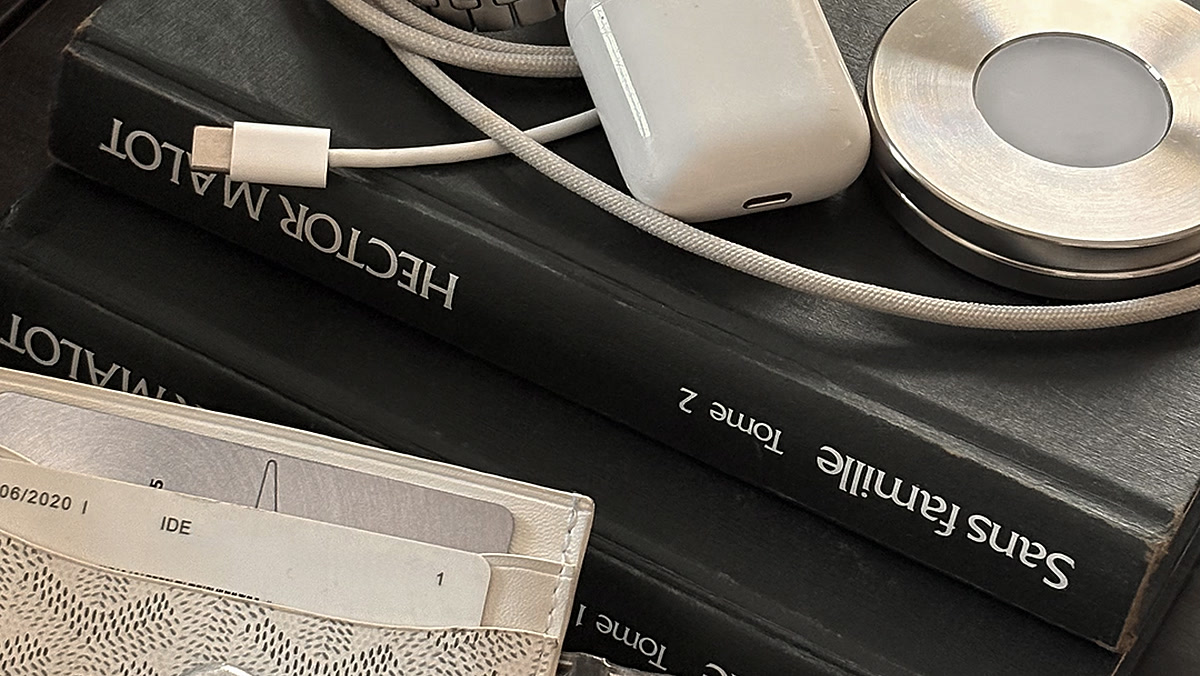
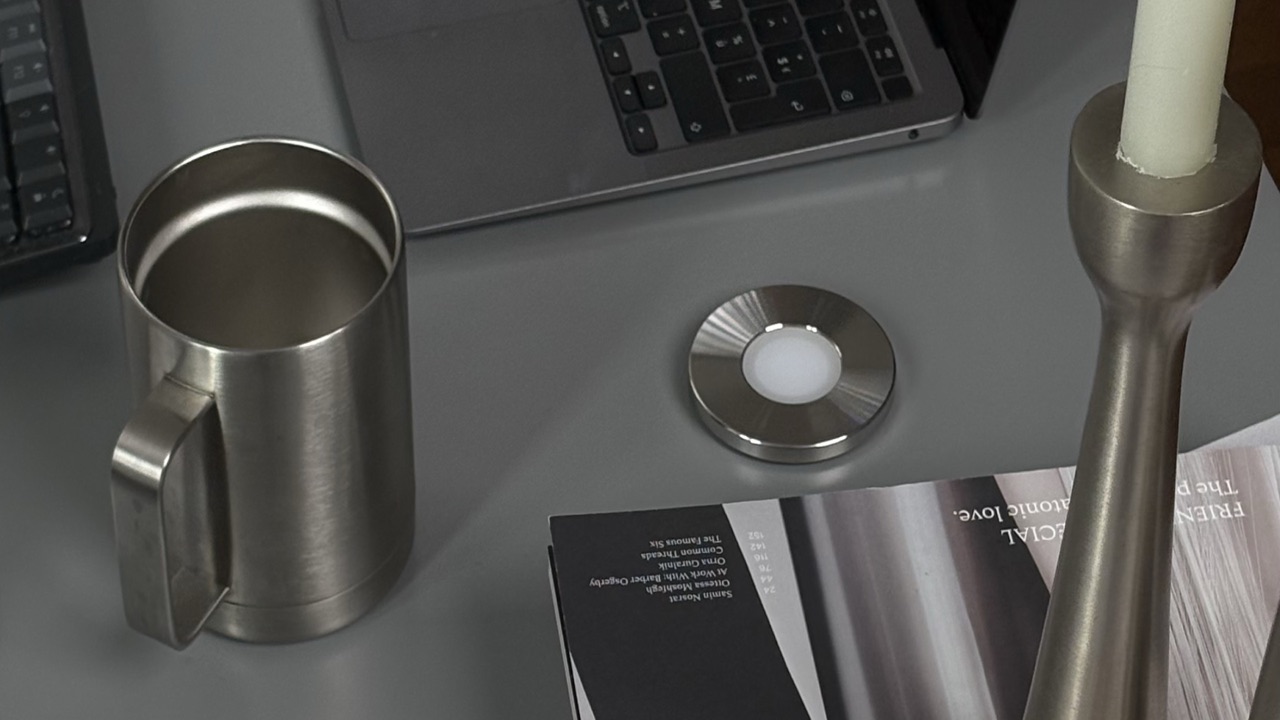
If the weakness is an on-screen off switch, the fix is to take the switch off the screen. That’s the whole idea behind Norma: a steel disc you scan with your iPhone to block the apps you chose, then scan again to bring them back. The control isn’t a button you can talk yourself into — it’s a physical object you can leave in another room. To get back to the feed you have to get up and fetch the disc, and that small gap is usually enough for the urge to pass. Here’s the full comparison with software blockers, and a practical plan to actually cut your screen time.
The short version
Every iOS tool to stop scrolling keeps its off switch on the phone — so you override it in the moment. Move the switch to a physical object you scan, and stopping finally sticks.
Questions, answered.
- How do I stop infinite scrolling on my iPhone?
- iOS gives you four real tools: Screen Time app limits (Settings → Screen Time → App Limits), moving the app off the Home Screen into the App Library, Grayscale (Settings → Accessibility → Display & Text Size → Color Filters), and a Focus that hides apps on a schedule. Each one helps for a day or two, then quietly fades. They share one weakness: every one of them keeps its off switch on the phone you’re trying to step away from.
- How do I stop scrolling on my phone?
- Scheduled limits hold better than ones you flip on yourself, because you’re not in the loop to override them. The durable fix is to move the off switch off the screen entirely, so the part of you that wants the scroll isn’t the part deciding. That’s the idea behind Norma: a steel disc you scan with your iPhone to block the apps you chose, then scan again to bring them back.
- Why can’t I stop scrolling?
- A feed never ends and never loads a “next page,” so there’s no natural stopping cue — no bottom, no count, nothing that says you’re done. Pull-to-refresh adds a slot-machine rhythm: each pull might deliver something good or nothing at all, and that variable reward is the most habit-forming pattern in behavioural science. Your brain isn’t weak; it’s responding exactly as designed.
- How do I disable infinite scroll?
- Infinite scroll is a design, not a preference you can switch off — a feed never ends and never loads a “next page.” So the change has to happen around the app rather than inside the feed: cap it with a Screen Time app limit, move it off the Home Screen into the App Library, or hide it with a Focus. Each adds friction, and each keeps its off switch on the phone.
- Does grayscale help stop scrolling?
- It does. Grayscale (Settings → Accessibility → Display & Text Size → Color Filters) drains the colour out of feeds and genuinely makes them less rewarding. The catch is that it’s a global toggle: the same two taps that turned it on turn it off the second a feed gets dull.
- Do Screen Time app limits stop infinite scrolling?
- Only while you let them. A limit caps an app at, say, 30 minutes, but the screen that appears when you hit it has an “Ignore Limit” button right there — the limit asks permission to stop you, at the exact moment you least want to give it. A scheduled limit holds better than one you flip yourself, because you’re not in the loop to override it.
Put the scroll behind a scan.
Block the apps you choose with one scan. Scan again when you mean to — not by reflex.
Sources