Most screen-time advice quietly assumes the problem is you, that if you just wanted it a little more, you'd use your phone a little less. You won't. The change that lasts isn't more discipline. It's more friction, placed where it counts.
You've read the lists. Turn on grayscale. Hide social apps in a folder. Set an app limit. Most of them work for about three days, then quietly stop, not because you failed, but because every one of them leaves the easy path one tap away. This is the principle underneath the ones that actually stick, and a method built on it.
The principle: make it harder to reach than to resist
A habit changes when the easy path stops being the default. That's it. Everything else is detail.
The reason willpower-based advice fails is that it leaves the default intact. App limits and screen-time reminders sit one tap away, on the same phone, ready to be dismissed in the exact moment you're least able to resist: late, tired, bored. Real friction lives off the screen, where a weak moment can't reach it. Researchers call the calm-moment version of this a commitment device: a decision you lock in now to protect you from the choices you'll be tempted to make later.
The University of California, Irvine's Gloria Mark has shown how expensive each lapse really is: an average of 23 minutes and 15 seconds to refocus after a single interruption. The goal isn't to white-knuckle through those interruptions. It's to stop them from being available in the first place.
Key takeaways
- Don't fight the urge; remove the easy yes.
- Friction beats willpower because it keeps working even when you don't.
- The barrier should live somewhere other than the phone you're escaping.
- Decide once, while calm, then let the design hold the line for you.
A method you can start today
1. Name the two apps that cost you most
Don't try to fix everything. Open your phone's screen-time report and find the two apps that eat the most hours; for most people it's a social feed and one more. Those two are the whole game. Cutting them is worth more than fiddling with the other forty.
2. Move the trigger out of reach
Most phone use is cued by proximity, not desire: the phone is simply there. Break the cue. Charge it in another room overnight instead of on the nightstand. The short walk is the friction, and it quietly removes the two worst windows of the day: the last hour before sleep and the first after waking, when more than 80% of people reach for the phone within ten minutes of opening their eyes.
3. Make blocking deliberate, not negotiable
This is the step that holds the rest together. Put a real, physical barrier between you and those two apps, one you set once and can't casually undo. A limit you can extend in two taps isn't a barrier; it's a suggestion. The block has to require an action your tired self won't take.
4. Protect the morning
Keep the feed off until you've started your own day, not someone else's. The first hour sets the tone: begin it inside an algorithm and you spend the morning reacting; begin it in your own head and the focus carries.
Where Norma fits
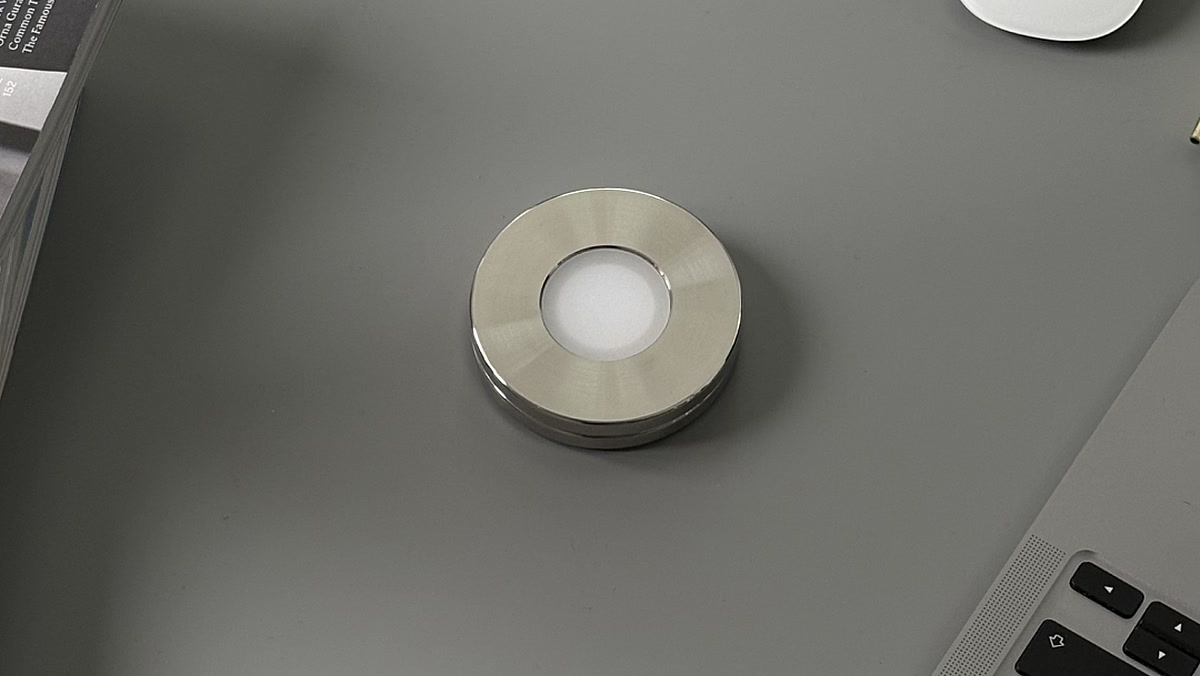
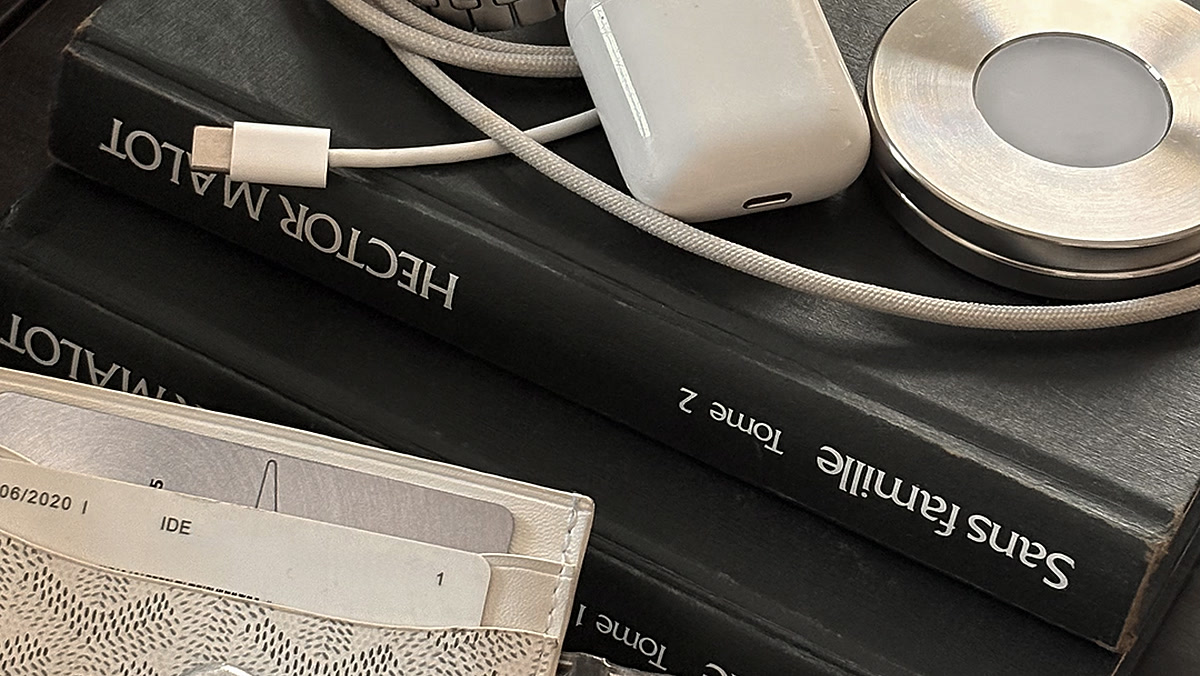
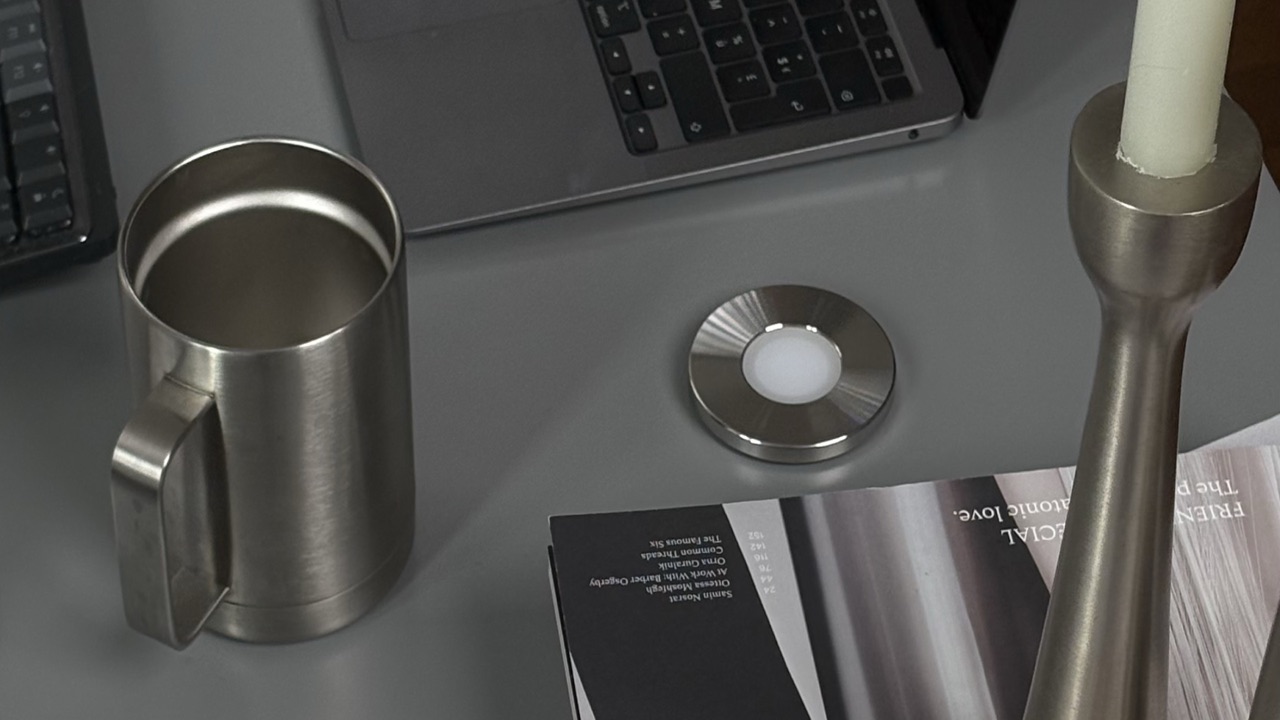
Norma is step 3, made effortless. Scan a steel disc with your iPhone and the apps you chose disappear until you scan again. The disc lives on your desk or by your bed; reaching for it is a choice, not a reflex, and leaving it in another room keeps the block in place without a shred of willpower. It works the same way on your Mac, so the focus follows you. The mechanism behind it is just a passive NFC tag, the tap-to-pay chip repurposed for focus.
Why this works when the tips don't
Every item above shares one move: it shifts the default so the easy path no longer leads to the feed. You're not trying to want it less in the moment; you're arranging your environment so the moment never gets the chance to decide. That's also why your screen time was never really a discipline problem to begin with.
Start with two apps and one barrier. Give it two weeks. The hours come back faster than you'd expect, and you'll have spent none of the willpower you were sure you lacked.
Questions, answered.
- How do I reduce my screen time?
- Start with the two apps that eat the most hours instead of trying to fix everything at once. Put a real barrier in front of those two, and move the phone out of reach at the moments it gets picked up by default, like overnight. Two apps and one barrier, given two weeks, is enough to feel the hours come back.
- Does Screen Time actually work?
- As a report it is genuinely useful: it shows you which two apps are costing you the most. As a brake it is weaker, because app limits and screen-time reminders sit on the same phone as the apps, one tap from being dismissed in the exact moment you are least able to resist. A limit you can extend in two taps is a suggestion rather than a barrier.
- How much screen time is too much?
- There is no single number that settles it, and picking one is not what makes the difference. What matters is what the hours are made of: for most people two apps take most of them, and those two are the ones worth cutting. If the easy path keeps leading back to the feed when you meant to stop, the default is the problem, not the total.
- Why can't I stop using my phone even when I want to?
- Most phone use is cued by proximity rather than desire: the phone is simply there, and the easy path stays one tap away. Advice built on willpower leaves that default intact, which is why it holds for about three days and then quietly stops. Friction keeps working even when you don't, so it outlasts resolve.
- Where should I keep my phone at night?
- In another room, on its charger, rather than on the nightstand. The short walk is the friction, and it removes the two worst windows of the day: the last hour before sleep and the first after waking, when more than 80% of people reach for the phone within ten minutes of opening their eyes.
- How do I block apps so I can't just unblock them?
- The block has to require an action your tired self won't take, which means the switch cannot live on the phone you are trying to escape. Anything you can undo in two taps will eventually be undone. Norma is one way to do it: you scan a steel disc with your iPhone, the apps you chose stay blocked until you scan again, and leaving the disc in another room keeps the block in place.
Quiet your phone for good.
One scan blocks the apps you choose, until you scan again.
Sources