A physical app blocker is an object you tap or scan with your phone to block the apps you chose, and tap again to unblock them. Six are sold today: Norma, Brick, Bloom, Unpluq, Foqos and Blok. They differ on price, on whether a subscription is required, on what the object is made of, and on whether they work on Android or reach your computer. All six are compared below, with prices read on each maker’s site on 2 November 2026.
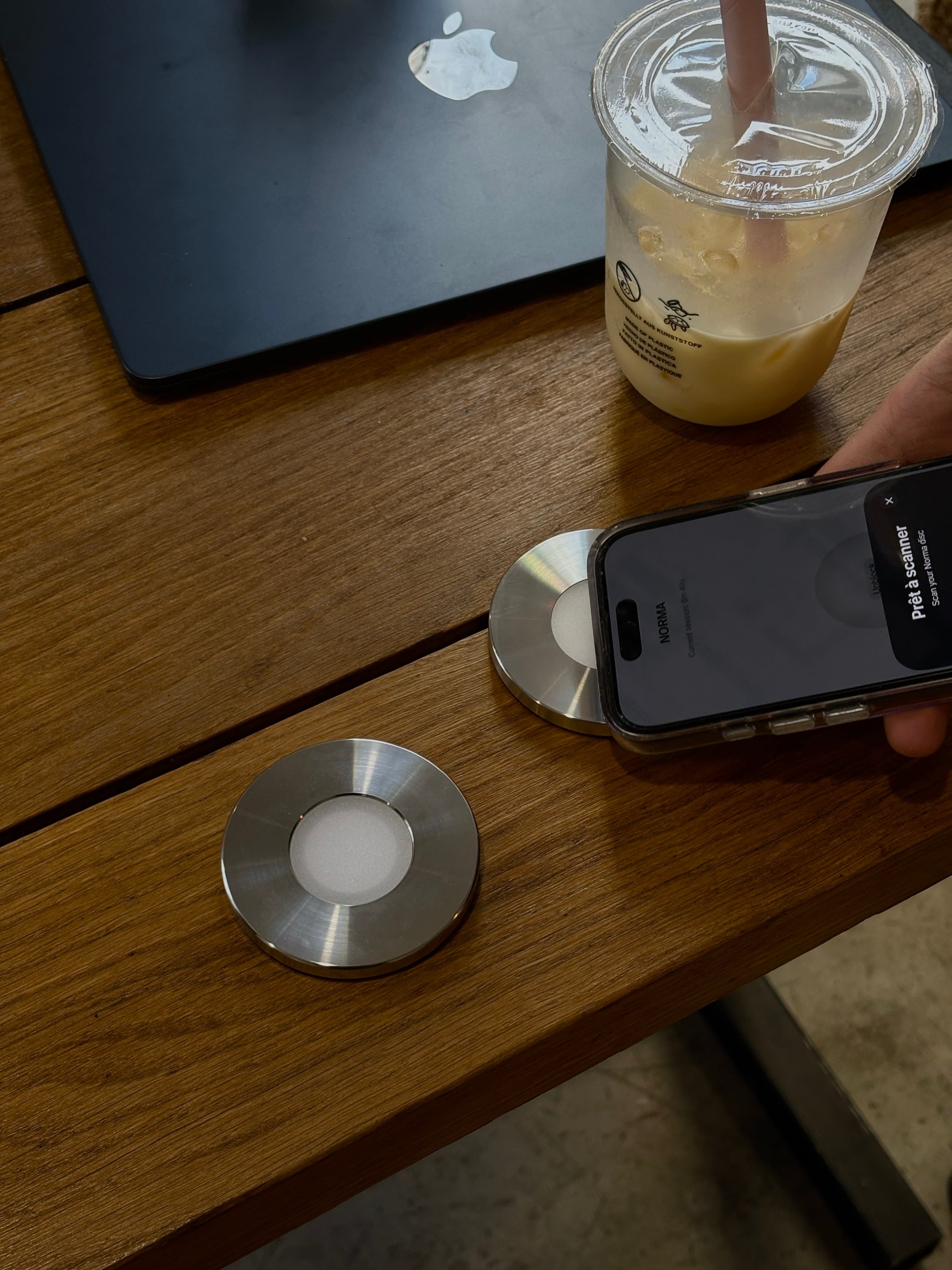
Most of them work the same way. The object holds a passive NFC chip, so it needs no battery and no charging. On iPhone, the app relies on Apple’s Screen Time framework to block apps, and the object acts as the key: start a session by holding the phone to it, end the session the same way. What you are paying for is distance. If the object stays in another room, ending the session means getting up.
Every physical blocker, compared
| Norma | Brick | Bloom | Unpluq | Foqos | Blok | |
|---|---|---|---|---|---|---|
| Price | 90 € | $59 (US), €63.95 (FR) | Card $39 | Tag $26.50 / €20 | Free, your own tag | Card $29 |
| Subscription | None | None | None | Required | None | Blok Pro sold in-app |
| Object | Steel disc, 70 mm, 270 g | Plastic, magnetic | Steel card | NFC key fob | Any NFC tag or QR code | Card |
| Battery | None | None | None | None | Depends on your tag | Not documented |
| iPhone | iOS 17 or later | iOS 18 or later | iOS 17.6 or later | iOS 16 or later | iOS 17.6 or later | iOS 17 or later |
| Android | ||||||
| Mac | Free app: sites and apps | In development | Not documented | Free app: websites | iPad app, M1 Macs or later | |
| Emergency unblocks | A limited number | 5, more on request | 3, plus 1 a month | 5-minute mode | 3 every 4 weeks | Sold in-app |
Prices are the ones each maker shows, in its own currency, on 2 November 2026; Blok’s shop showed “This store is unavailable” that day. “Not documented” means the maker does not publish it. Prices and promotions change, so check the maker’s site before you buy. For the same comparison with software options such as Opal and Screen Time, see our Brick alternatives page.
Each device in a paragraph
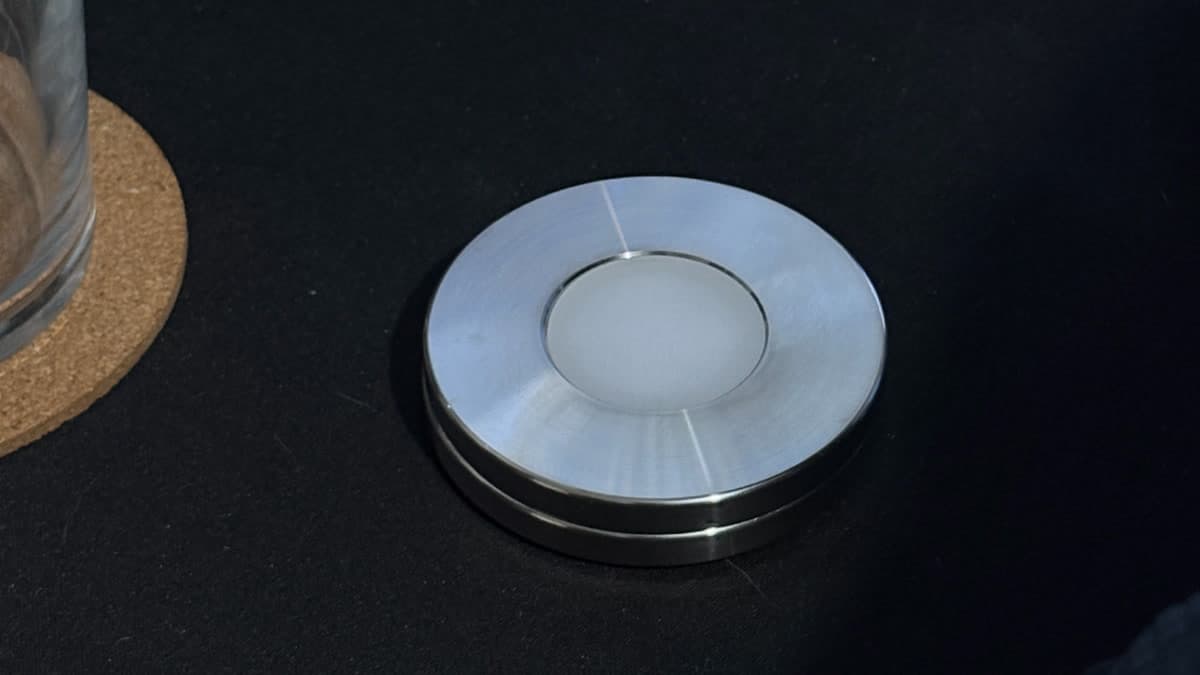
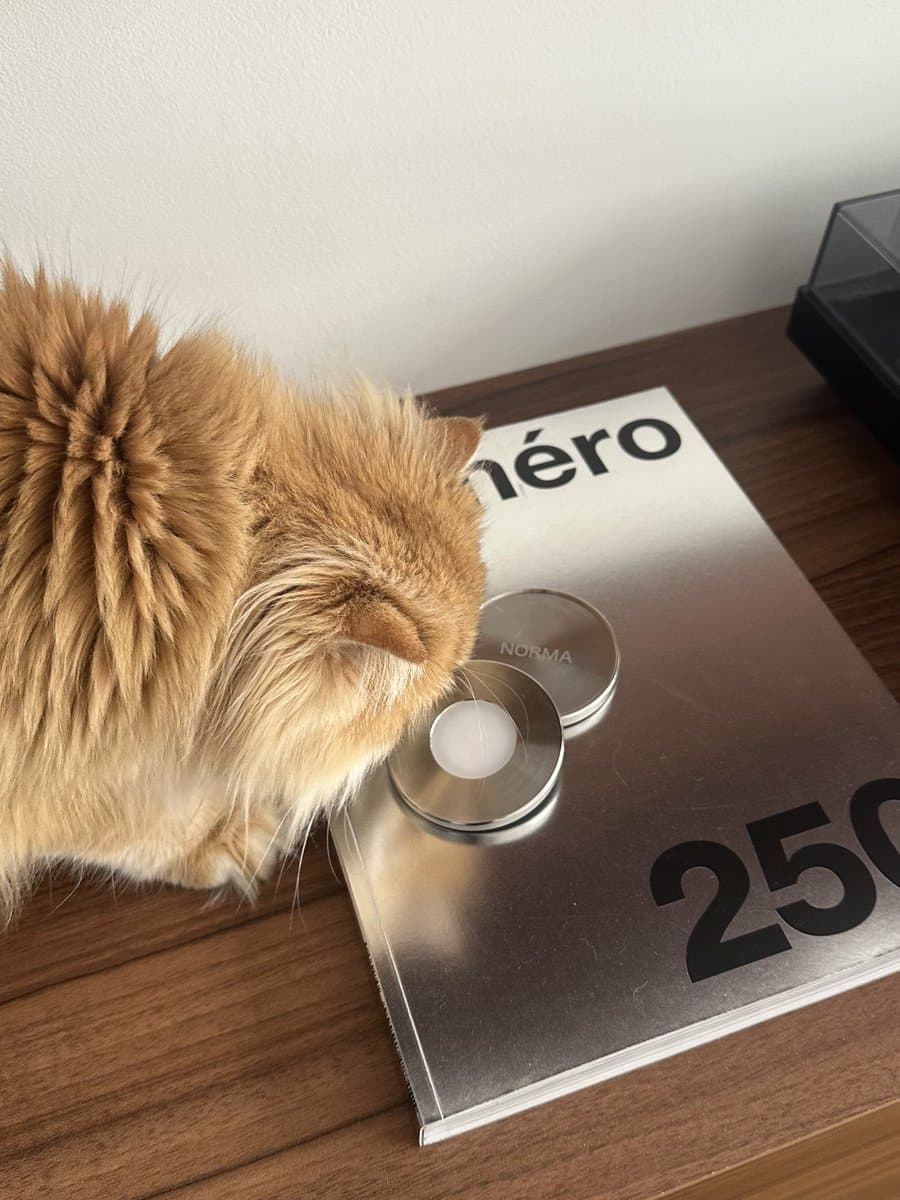
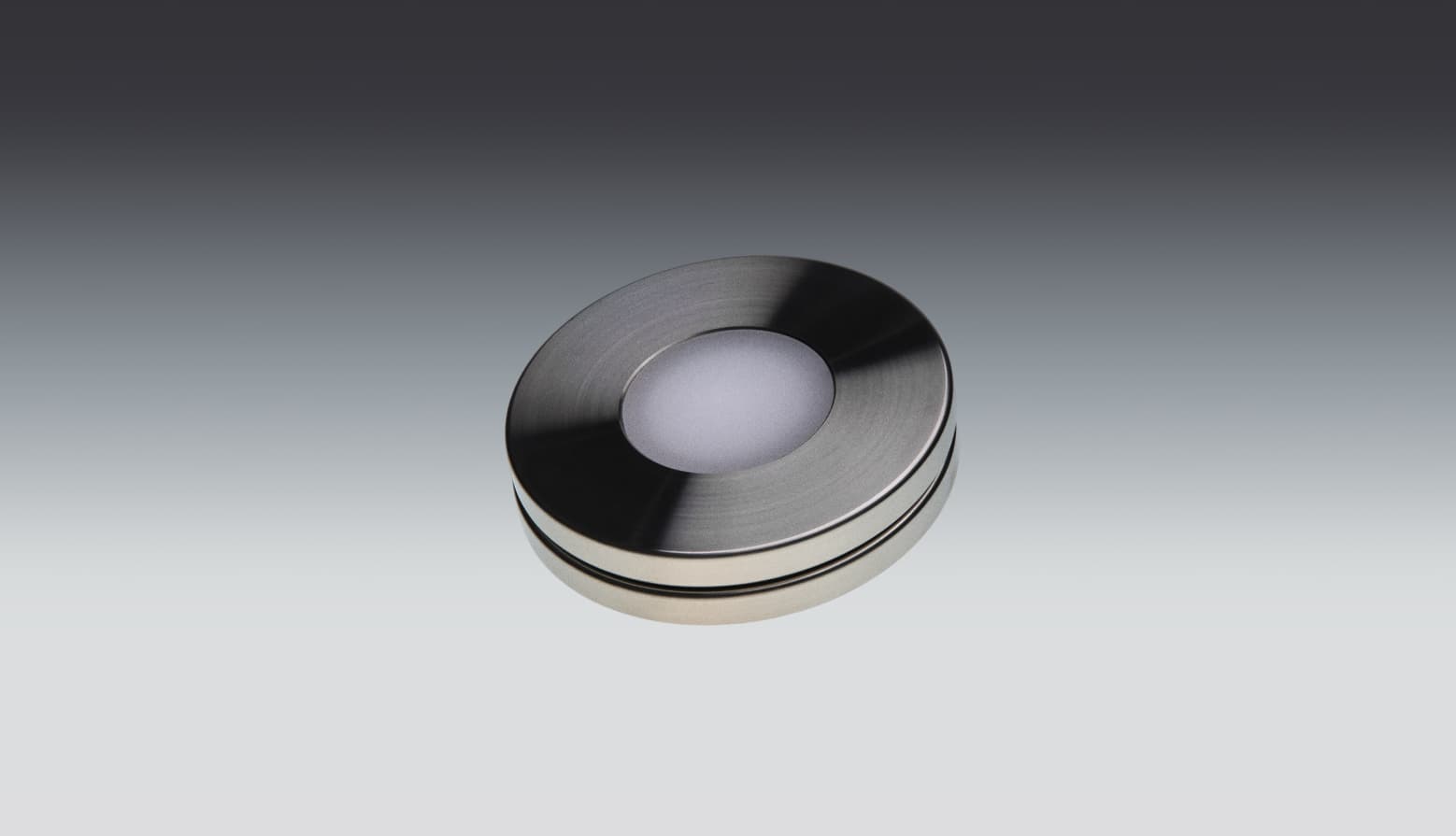
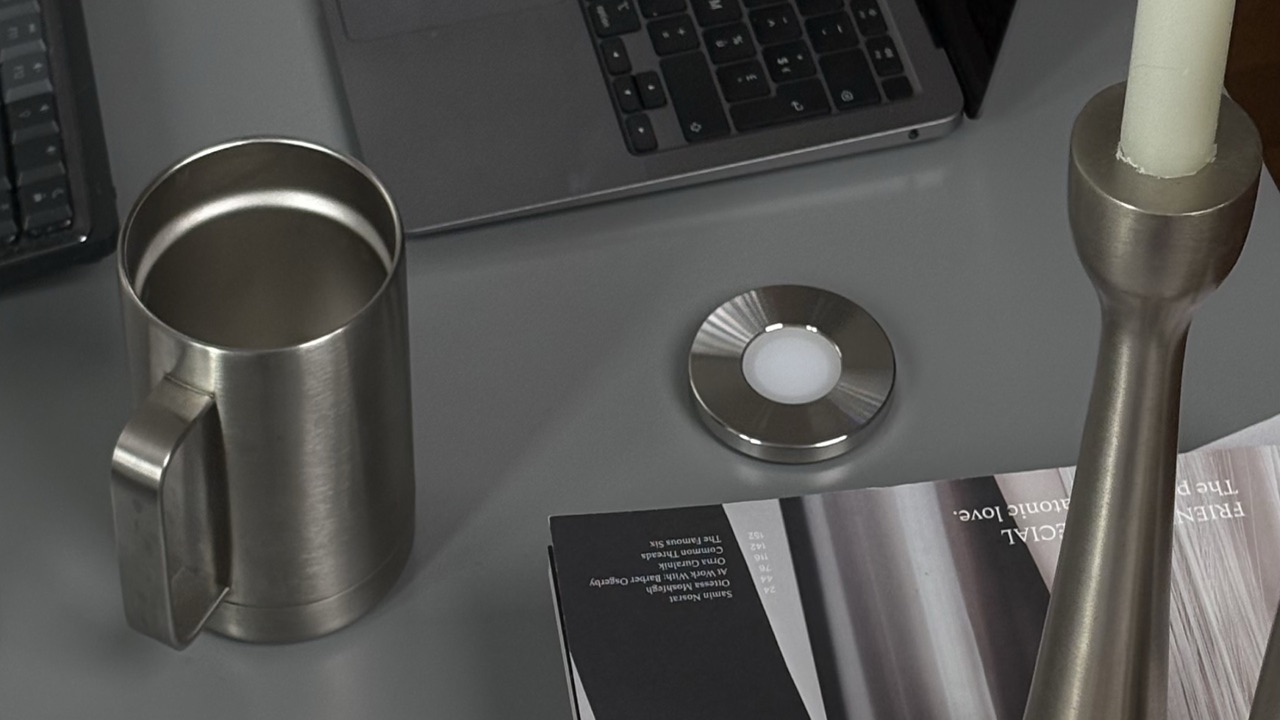
Norma is a machined stainless-steel disc, 70 mm across and 270 g, that you scan with your iPhone. It is bought once for 90 €, ships from France, and has no subscription. Sessions can carry a timer, a hardlock of up to two hours, or start when you arrive somewhere. A free Mac app blocks the sites and apps you chose on the same scan. It is iPhone only, and it costs more than most devices here.
Brick is a small plastic device with a magnetic, silicone base that you tap your phone against. It costs $59 in the US store and €63.95 in the French one, with no subscription, and works on iPhone (iOS 18 or later) and Android 12 or later. Strict Mode stops you uninstalling the app to end a session, and five emergency unbricks are included. Brick says it does not support iPads or computers for now. It also sells Brick Night, a newer Bluetooth model, at $129.
Bloom sells a stainless-steel card the size of a credit card ($39) and a magnetic pod ($59), or both for $69. The app is free on iPhone and Android, with a strict mode that stops apps being deleted during a session and three emergency exits plus one more each month. Prices are in dollars only; international shipping is free from three cards, and duties may apply outside the US. Bloom says a Mac version is in development.
Unpluq is an NFC key fob from Rotterdam. The tag costs €20, and a Premium subscription is required for it to work: €54.99 a year or €5.99 a month on the French App Store. It runs on iPhone and Android. Besides the tag, Unpluq lets you unlock with “digital barriers” such as shaking the phone or scanning a QR code, and it has a five-minute emergency mode.
Foqos is a free, open-source iPhone app that works with any NFC tag you buy yourself (NTAG213 is enough) or with a printed QR code. There is no subscription; the App Store lists optional tips. A free Mac companion blocks websites. It is the cheapest way to try a physical blocker, and you supply the object.
Blok sells a $29 card with an app for iPhone and Android, and Blok Pro as an in-app subscription. Its emergency unblocks are sold in the app. On 2 November 2026 its online shop showed “This store is unavailable”, and its keychain and magnet were sold out.
What to check before you buy
- Your phone. Norma and Foqos are iPhone only. Brick, Bloom, Unpluq and Blok also run on Android.
- The ongoing cost. Norma, Brick, Bloom and Foqos need nothing after the purchase. Unpluq’s tag needs a subscription to work.
- How you unlock without the object. Every device keeps an escape hatch for the day you are away from it: a set of emergency unblocks, an emergency mode, or another way to unlock. Check how many you get, because that number is how strict the device really is.
- Your computer. Norma blocks sites and apps on a Mac from the same scan, and Foqos blocks websites. Brick and Bloom stay on the phone for now.
- Where it ships from. Bloom prices in dollars and charges duties outside the US. Brick has a store in euros, Unpluq ships from the Netherlands, and Norma ships from France within 24 to 48 hours.
- Returns. Bloom offers 30 days, with return shipping paid by you. Norma offers 14 days.
Physical blocker or software?
A physical blocker fixes one failure: lifting your own block in the moment, because the switch is in another room. If your problem is knowing where the hours go, or you need Windows or a free tool, software fits better. Our guide to the best app blockers covers Screen Time, Opal, Freedom and one sec, and hardware versus software goes into the difference at length.
Key takeaways
- A physical app blocker is an NFC object you tap or scan to start and end a block; most need no battery.
- Norma, Brick, Bloom and Foqos have no subscription. Unpluq’s tag needs one.
- Brick, Bloom, Unpluq and Blok run on Android; Norma and Foqos are iPhone only.
- Norma and Foqos reach the Mac (Norma for sites and apps, Foqos for websites). Brick and Bloom do not for now.
- Foqos is the cheapest to try, with your own tag; Bloom and Norma are the two made of stainless steel.
Common questions.
- What is a physical app blocker?
- An object, usually a passive NFC tag, card or disc, that you tap or scan with your phone to block the apps you chose. You end the block the same way, so if the object is in another room, the apps stay blocked until you get up and fetch it.
- Do physical app blockers need a subscription?
- Most do not. Norma, Brick and Bloom are bought once, and Foqos is a free app that works with your own NFC tag. Unpluq requires a Premium subscription for its tag to work, and Blok sells Blok Pro as an in-app subscription.
- Which physical app blocker works on Android?
- Brick (Android 12 or later), Bloom, Unpluq and Blok all have Android apps. Norma and Foqos are iPhone only.
- Which physical app blocker works with a Mac?
- Norma has a free Mac app that blocks the sites and apps you chose on the same scan as your iPhone. Foqos has a free Mac companion for websites. Brick says it does not support computers for now, and Bloom says a Mac version is in development.
- Can you get around a physical app blocker?
- Yes, on purpose. Every device keeps emergency unblocks or an emergency mode for the days you are away from it, and Unpluq also lets you unlock with digital barriers. Strict modes (Brick, Bloom) stop you deleting the app to end a session. The object adds distance; it does not make a block impossible to end.
- Is there a free physical app blocker?
- Foqos is free and open source, and works with any NFC tag you buy yourself or with a printed QR code. The other devices are paid hardware.
Block your apps with a steel disc.
A stainless-steel disc you scan with your iPhone. The apps you chose go quiet, on your phone and your Mac, until you scan again. Bought once, no subscription.
Sources
- 1.Brick · product page (price, plastic device, no battery, Strict Mode, Brick Night), checked 2 November 2026
- 2.Brick · help center (no iPad or computer support for now)
- 3.Bloom · product page (stainless-steel card, pod, prices)
- 4.Bloom · FAQ (free app, emergency exits, strict mode, Mac in development, returns, shipping)
- 5.Unpluq · Premium subscription (required for the Tag)
- 6.Unpluq · FAQ (emergency mode, digital barriers, shipping)
- 7.Foqos · official site (free, no subscription, NFC or QR)
- 8.Foqos · Mac companion (websites, macOS 14 or later)
- 9.Blok · official site (card price)
- 10.Blok · App Store listing (Blok Pro and emergency unbloks in-app)