Brick and Freedom both block distracting apps, but they are different kinds of tool. Brick is a small device you tap your phone against: the apps stay blocked until you tap it again. Freedom is an app that blocks apps, websites or the whole internet, on your phone and your computer at once. Brick is bought once and stays on the phone. Freedom has a free plan, a subscription and a lifetime licence, and reaches Windows and Chromebook. Prices and details below were read on each maker’s site on 5 November 2026.
Brick and Freedom at a glance
| Brick | Freedom | |
|---|---|---|
| What it is | NFC device you tap | App, no object |
| Price | $59 (US), €63.95 (FR), once | Free plan; Premium $8.99 a month or $3.33 a month billed yearly |
| Subscription | None | For Premium, or a one-time Forever licence |
| Free version | Sessions up to 2 hours | |
| iPhone | iOS 18 or later | iOS 16.1 or later |
| Android | Android 12 or later | |
| Computers | Mac, Windows, Chromebook; Linux through the browser extension | |
| Websites | Selected Safari sites from Apple’s list | Any site, or the whole internet |
| Ending a block early | 5 emergency unbricks, more on request | Any time; with Locked Mode, once every 7 days |
| Delete protection | Strict Mode | Uninstall Protection on iOS 16 or later |
Prices are the ones Brick and Freedom show on their own sites, in their own currency, on 5 November 2026. Freedom’s plans are in dollars on freedom.to and in euros on the App Store, where they cost more (see below). Locked Mode and schedules are part of Freedom Premium.
How each one stops you
Brick works by distance. You choose the apps in the Brick app, tap your phone on the device to start a session, and tap it again to end it. If the device stays on a shelf in another room, ending the session means getting up. You can start a session without the device, by holding the virtual Brick in the app for five seconds, but ending it still needs the device. For the days you are away from it, Brick gives you five emergency unbricks, and more on request by email. Strict Mode locks the settings and stops you deleting the app to end a session.
Freedom works by rules on the device. You build a blocklist of apps and sites and start a session, now or on a schedule. Without Locked Mode, you can end a session at any time. With Locked Mode, part of Premium, you cannot quit a session or edit its blocklist, and End Session can be used only once in any seven-day period. Freedom notes that on iOS, Locked Mode does not stop someone turning off Freedom’s Screen Time permission in Settings, and recommends a separate Screen Time passcode to close that gap. Its support team says it cannot end sessions on your behalf.
What each costs over time
Brick costs $59 in the US store and €63.95 in the French one, once. The app has no subscription. Brick also sells Brick Night, a newer Bluetooth model for the bedroom, at $129 or €149.
Freedom’s free plan blocks apps, websites or the whole internet on unlimited devices, but only for sessions you start now, of up to two hours. Premium adds schedules, recurring sessions, longer sessions and Locked Mode. On freedom.to it costs $8.99 a month, or $3.33 a month billed yearly (about $40 a year), with a seven-day free trial. The French App Store lists 9.49 € a month and 44.99 € a year. Freedom also sells Forever, a one-time licence listed at $199, which freedom.to showed at $99.50 in a 50% promotion on 5 November 2026. Freedom says buying on its website can be cheaper than in the app stores.
Over two years, Brick costs $59 and Freedom Premium about $80 billed yearly, or nothing on the free plan.
Which one fits
- You work on a computer as much as on your phone. Freedom. Brick says it does not support iPads or computers for now.
- You use Windows or a Chromebook. Freedom.
- You want to block websites everywhere, or the whole internet. Freedom. Brick blocks selected Safari sites from Apple’s list.
- You want to try something tonight for free. Freedom’s free plan.
- You keep ending your own blocks. Brick. Ending a session needs the device in your hand, unless you spend an emergency unbrick.
- You do not want a subscription. Brick, or Freedom’s Forever licence.
- You want both. They do different jobs: some people put Brick on the phone and Freedom on the computer.
If you use an iPhone and a Mac
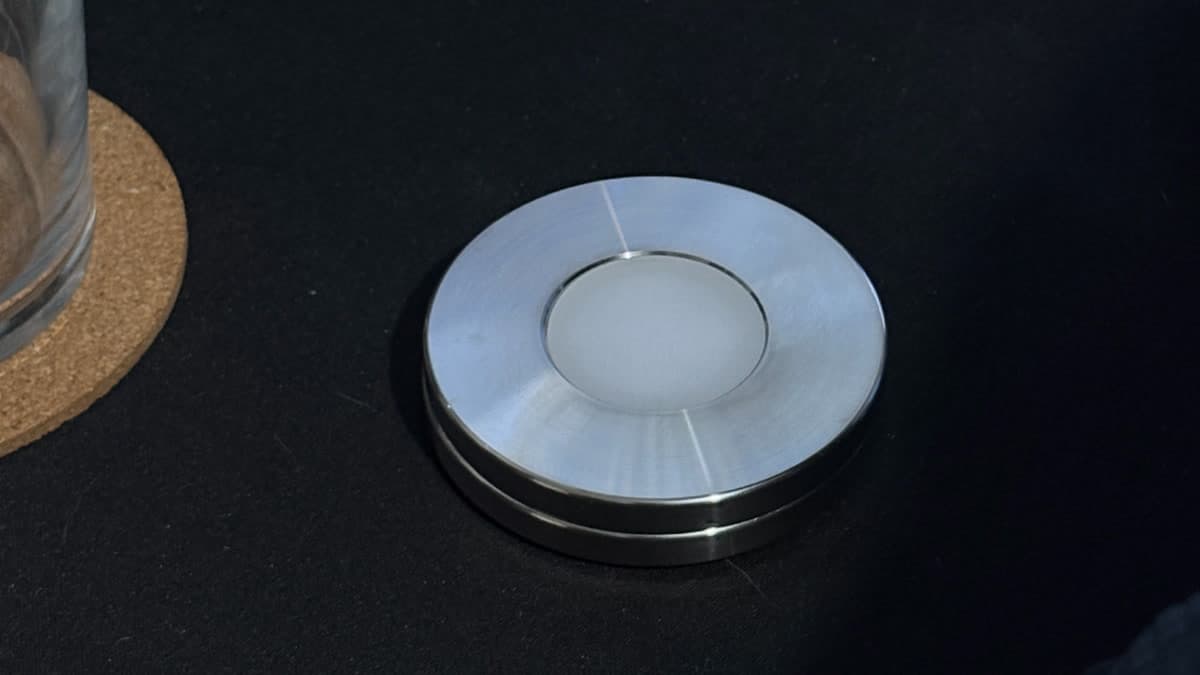
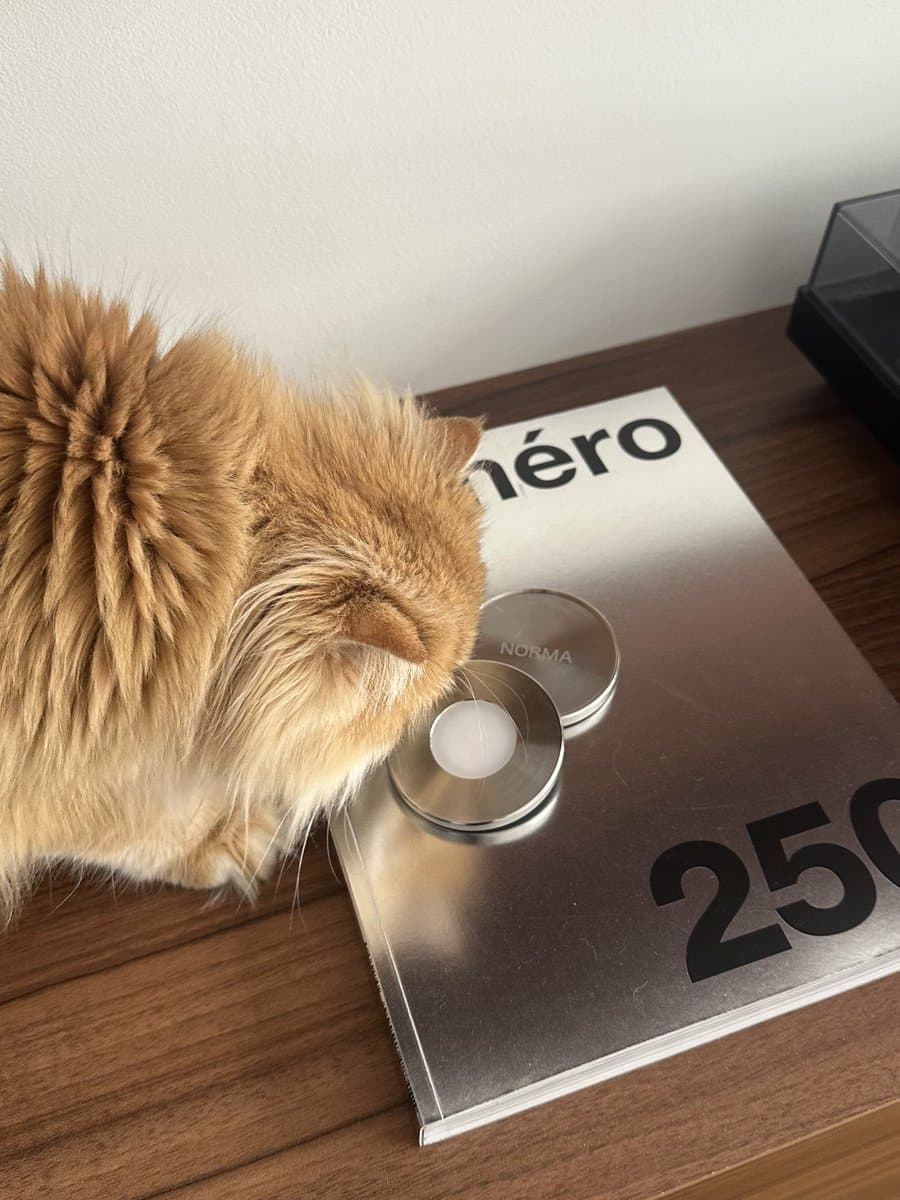
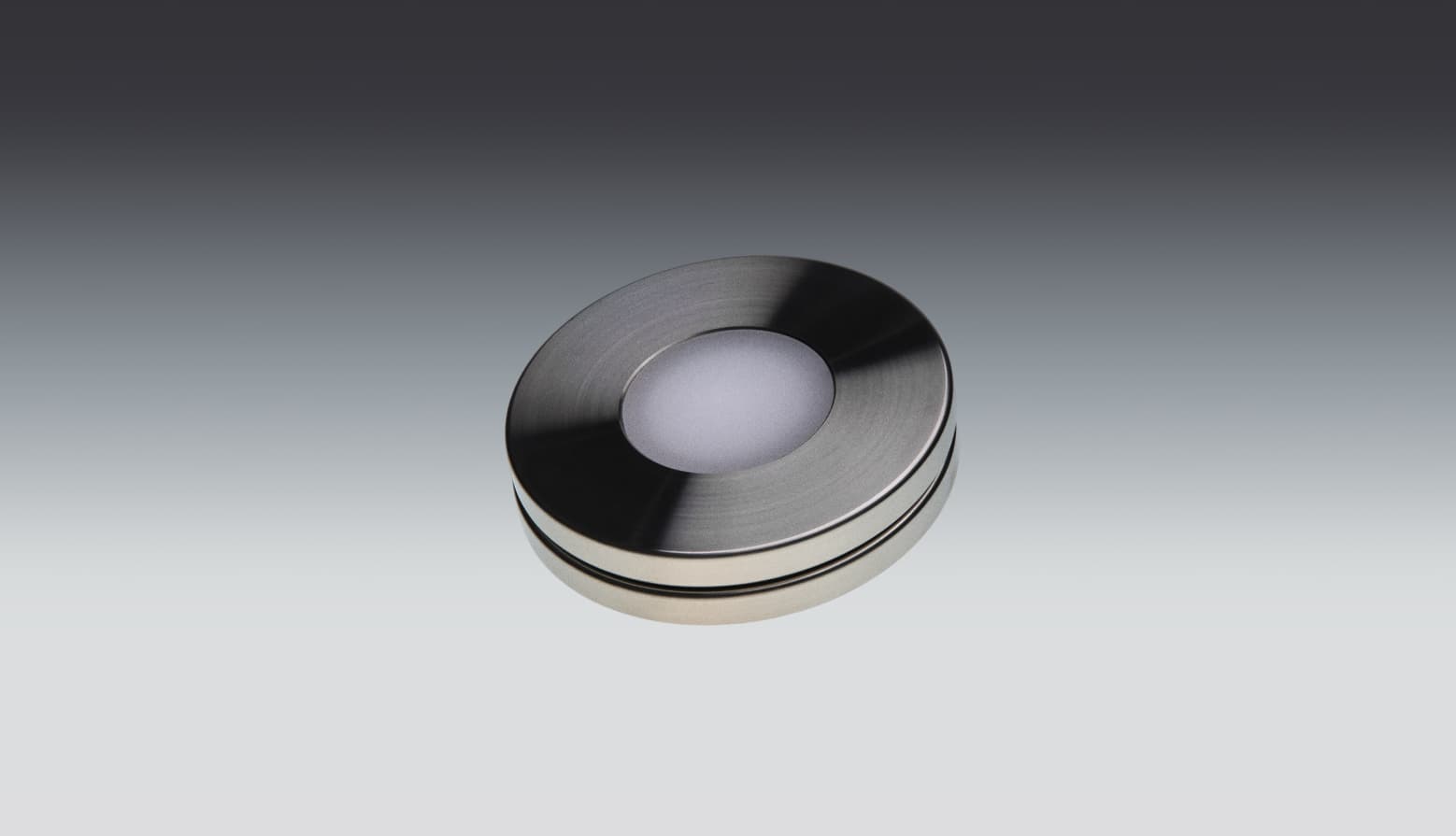
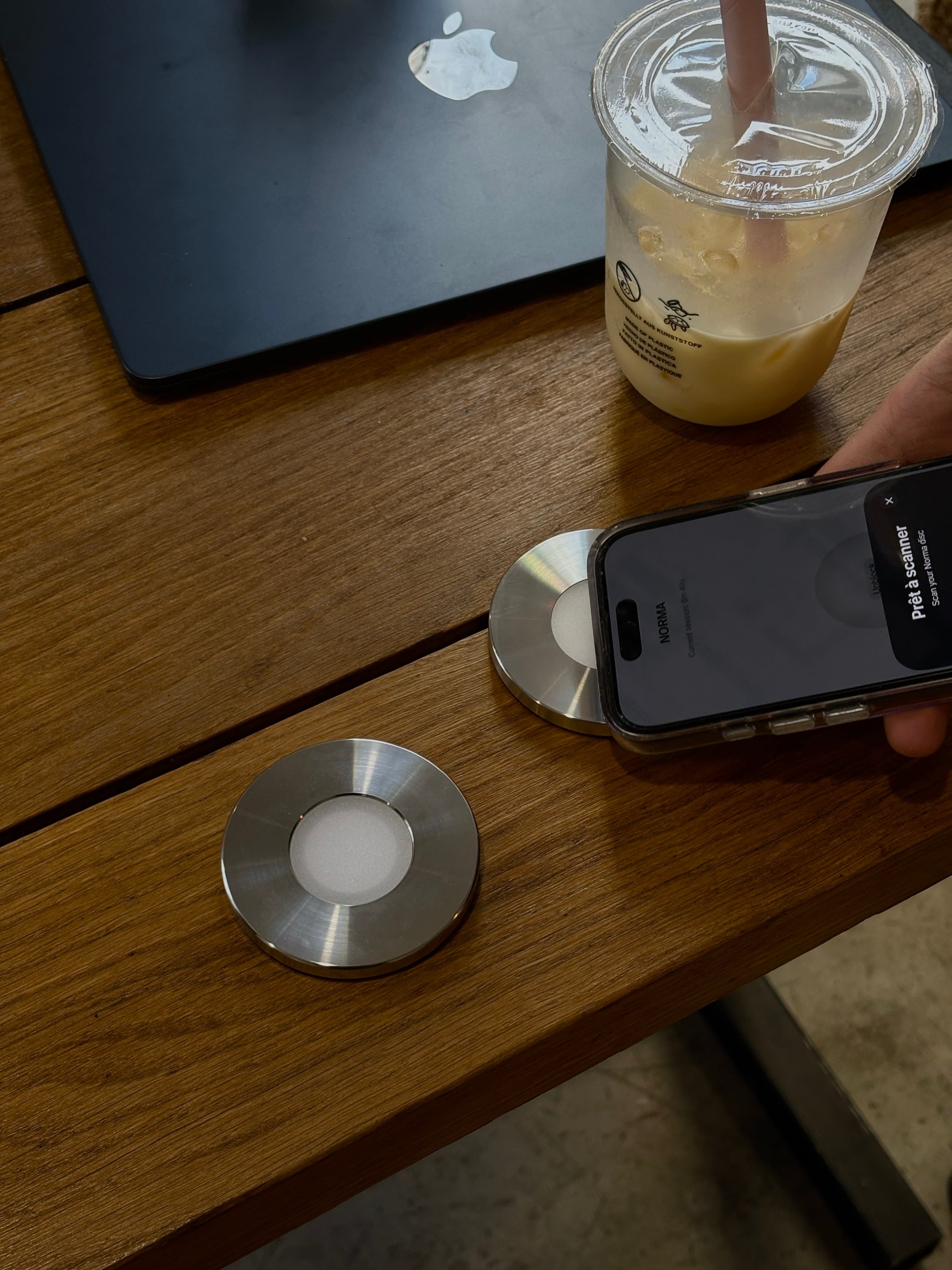
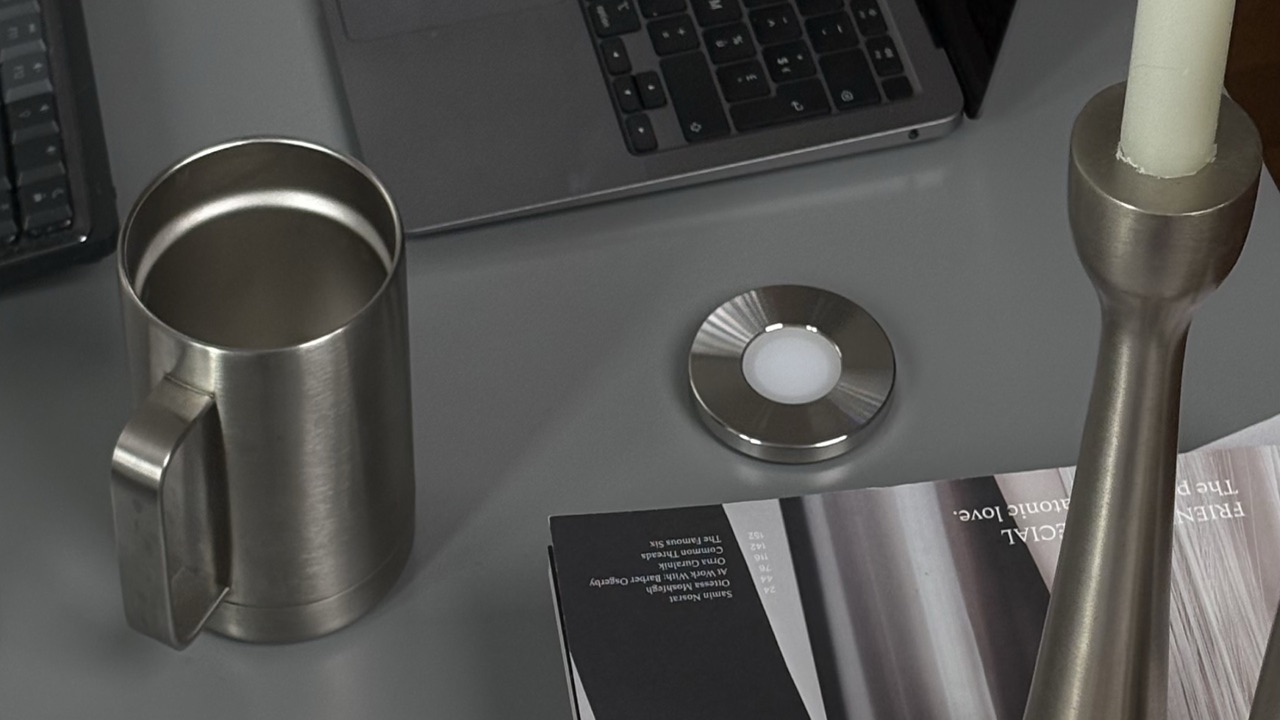
There is a third kind of setup: a physical object that also reaches the computer. Norma is a stainless-steel disc, 70 mm and 270 g, that you scan with your iPhone; a free Mac app blocks the sites and apps you chose on the same scan. It costs 90 € once, with no subscription. It is iPhone only, has no Windows or Android app and no free version, and costs more than Brick. Our Brick alternatives page compares seven options with prices, and our physical app blocker comparison puts every device side by side, with a spec table. For software options beyond Freedom, see our guide to the best app blockers. Every option that covers both devices is compared in app blockers for iPhone and Mac.
Key takeaways
- Brick is an NFC device bought once ($59 or €63.95); Freedom is an app with a free plan, a Premium subscription and a one-time Forever licence.
- Brick stays on the phone (iPhone and Android). Freedom also covers Mac, Windows and Chromebook, and Linux through its extension.
- Freedom blocks any website or the whole internet. Brick blocks selected Safari sites from Apple’s list.
- Brick ends a session with the device or one of 5 emergency unbricks. Freedom ends a session at any time, or once a week with Locked Mode.
- Choose Freedom for reach and a free start, Brick if you keep lifting your own blocks.
Common questions.
- Is Brick better than Freedom?
- They solve different problems. Freedom reaches every device you own, including Windows and Chromebook, blocks websites and the whole internet, and has a free plan. Brick only covers your phone, but ending a session needs the device in your hand, which helps if you keep lifting your own blocks.
- Does Brick work on a computer?
- No. Brick says it does not support iPads or computers for now. Freedom runs on Mac, Windows and Chromebook, and on Linux through its browser extension.
- Does Freedom need a subscription?
- Not to start. The free plan blocks apps, websites or the whole internet in sessions of up to two hours. Schedules, longer sessions and Locked Mode need Premium, sold monthly, yearly, or as a one-time Forever licence.
- Can you get around Freedom or Brick?
- Yes. Both leave a way out on purpose. Freedom sessions can be ended at any time, or once every seven days with Locked Mode, and on iOS its Screen Time permission can be turned off in Settings unless you set a Screen Time passcode. Brick keeps five emergency unbricks, and Strict Mode stops you deleting the app to end a session.
- Which is cheaper, Brick or Freedom?
- Freedom’s free plan costs nothing. Freedom Premium costs about $40 a year billed yearly on freedom.to, or 44.99 € a year on the French App Store. Brick costs $59 or €63.95 once, so it costs less than Freedom Premium from the second year.
Block your apps with a steel disc.
A stainless-steel disc you scan with your iPhone. The apps you chose go quiet, on your phone and your Mac, until you scan again. Bought once, no subscription.
Sources
- 1.Brick · product page (price, no recurring fees, Strict Mode, Brick Night), checked 5 November 2026
- 2.Brick · FAQ (emergency unbricks, starting without the device, Safari sites)
- 3.Brick · help center (no iPad or computer support for now)
- 4.Brick · App Store listing (iOS 18 or later)
- 5.Freedom · plans (free plan, Premium prices, platforms), checked 5 November 2026
- 6.Freedom · Forever licence ($199, shown at $99.50 in a promotion)
- 7.Freedom · free and Premium plans compared (2-hour limit)
- 8.Freedom · Locked Mode (once every 7 days, iOS Screen Time permission)
- 9.Freedom · downloads (Linux and ChromeOS through the browser extension)
- 10.Freedom · App Store listing (iOS 16.1 or later, in-app prices)